Refari Built Websites
Guide to Requesting Rapid Indexing in Google Search Console
https://help.refari.work/knowledge-base/article/guide-to-requesting-rapid-indexing-in-google-search-console
This guide provides a straightforward process for requesting rapid indexing via Google Search Console. Learn how to submit your URLs effectively to ensure your content is quickly recognized and indexed by Google, enhancing visibility and searchability. Follow these steps to navigate the system efficiently and optimize your site's presence in search results.
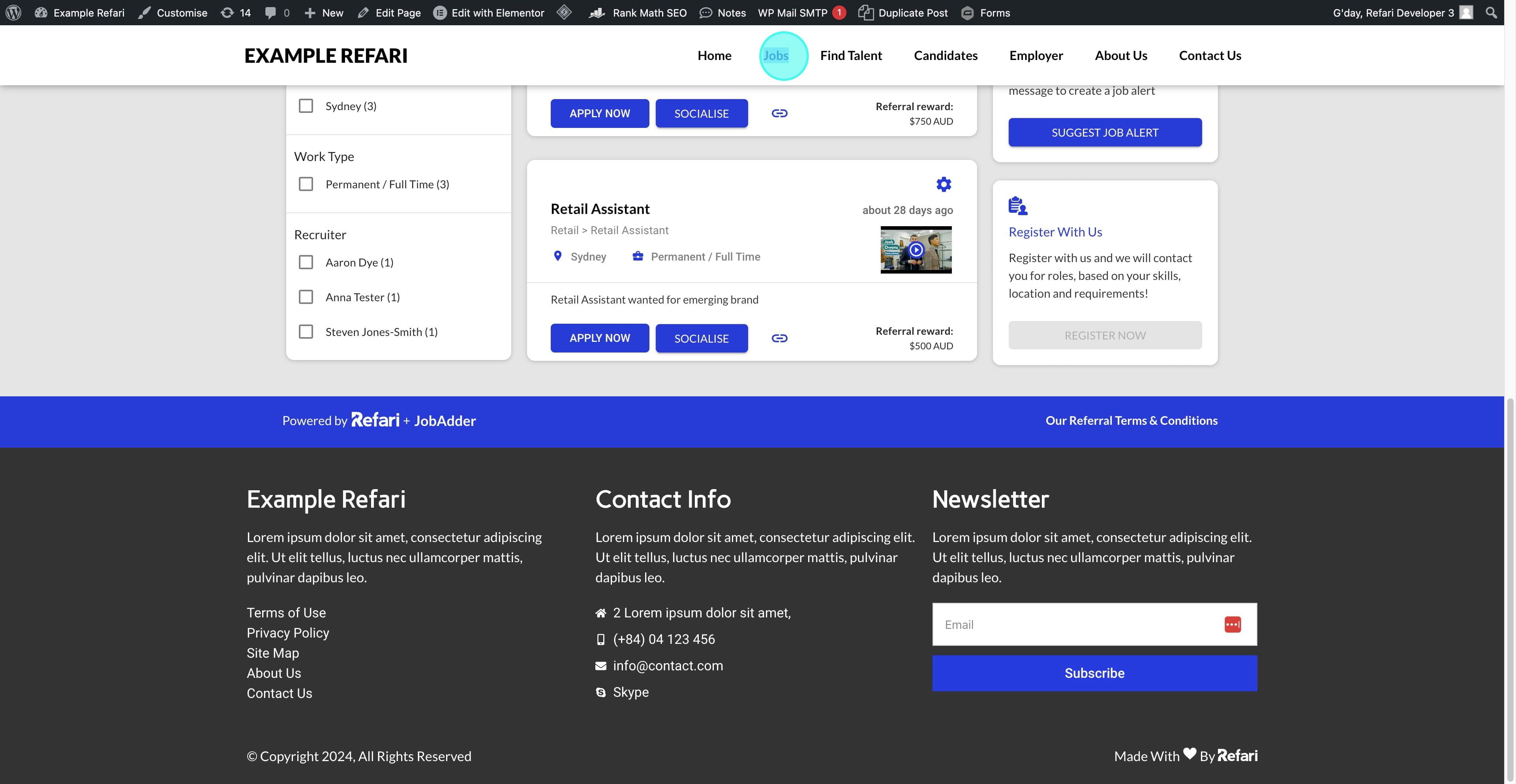
1. To request indexing from Google Search Console, first copy the link you want to index.
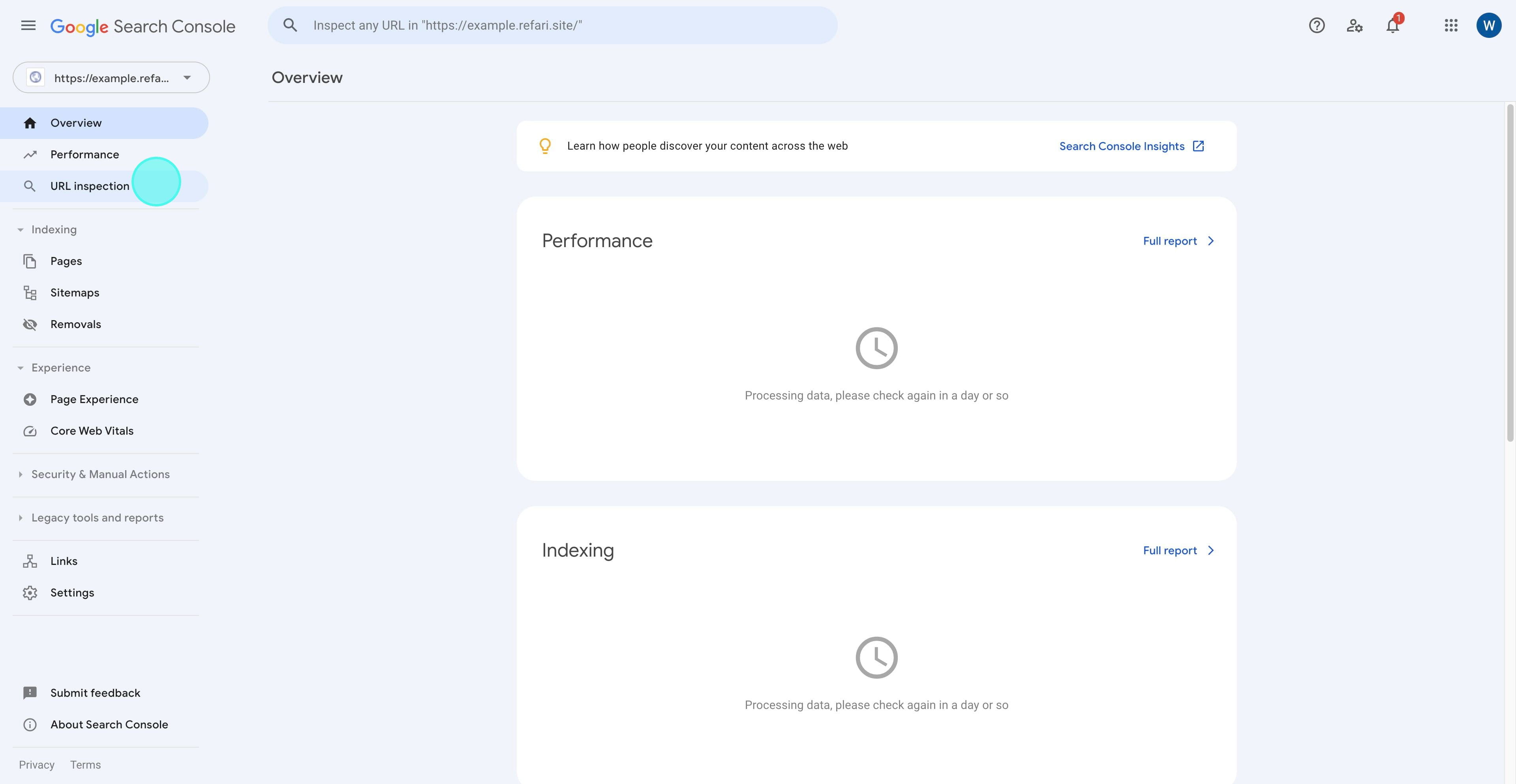
2. Go to Google Search Console and navigate to URL Inspection.
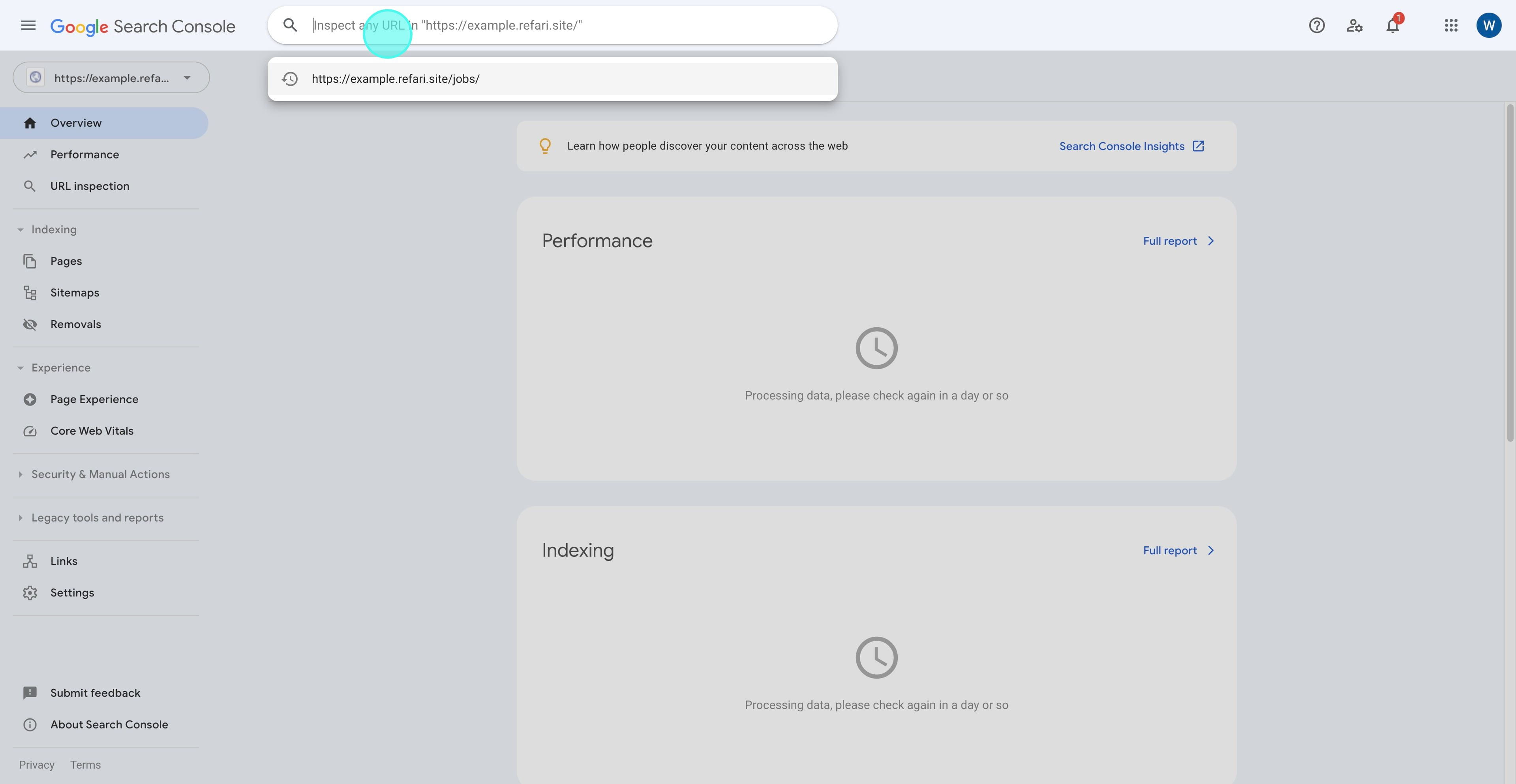
3. Paste the copied URL into the field and press Enter.
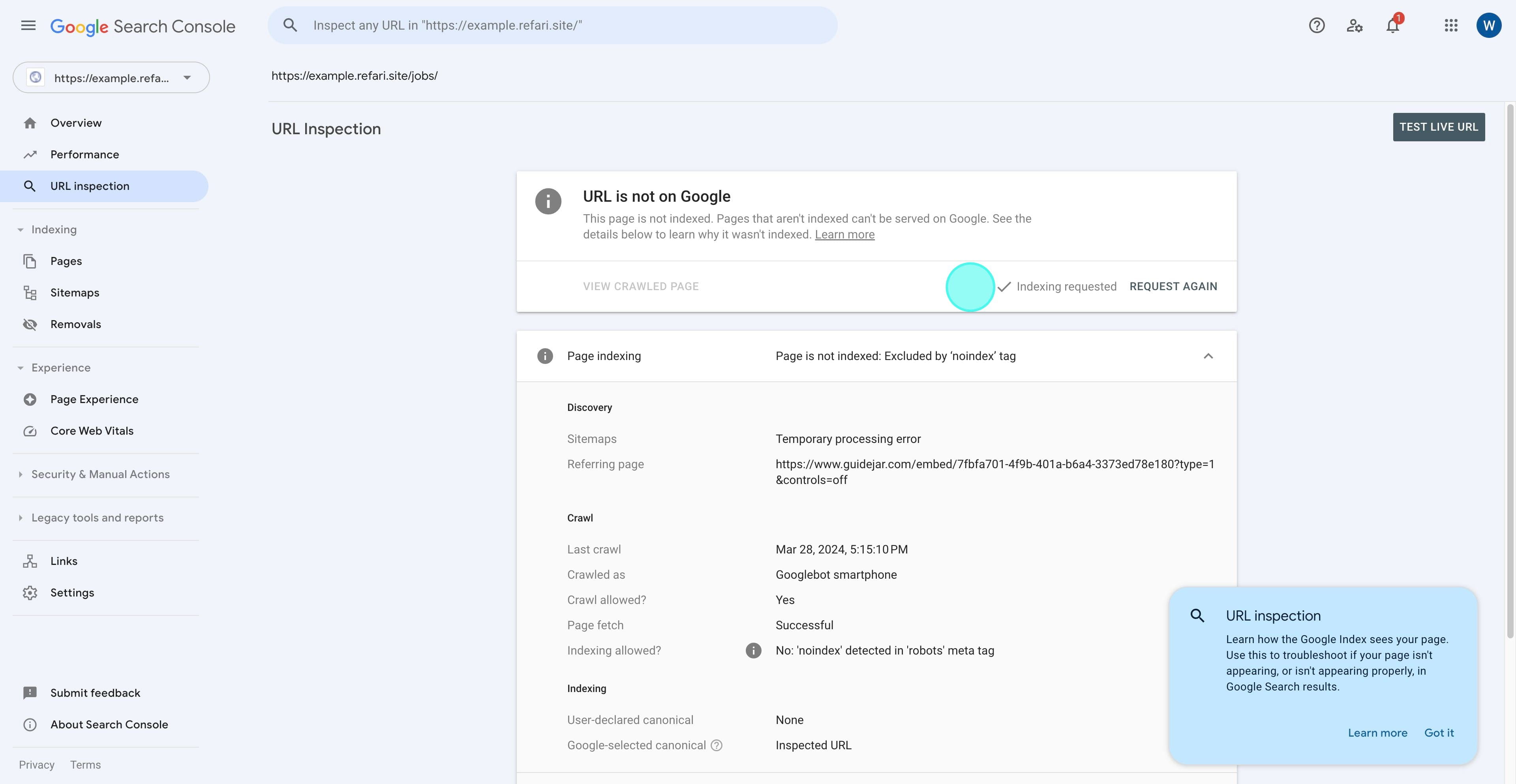
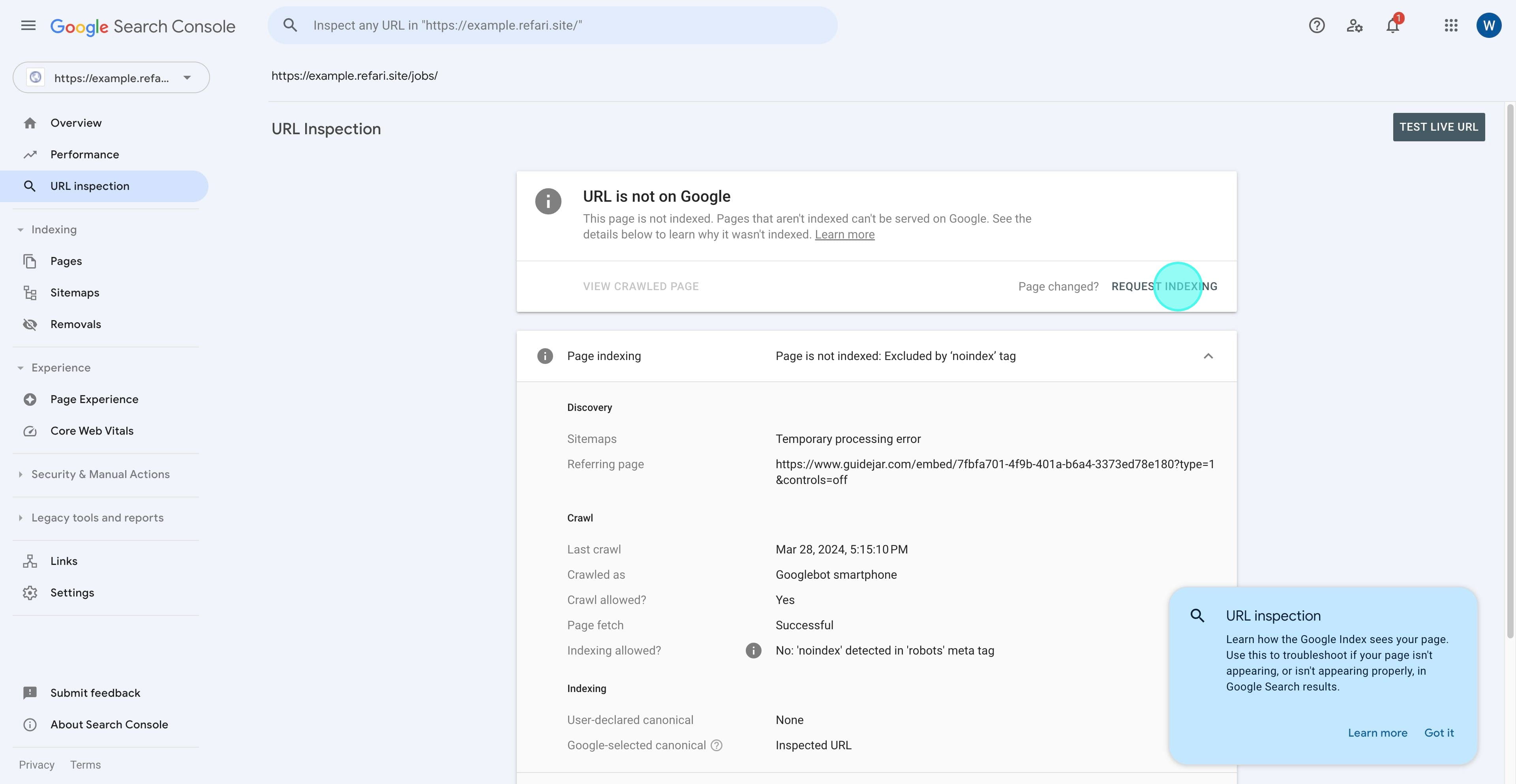
4. Once the response is loaded, review the details, and then click on "Request Indexing."
5. Once the process is complete, you will receive a popup confirming that the indexing has been requested.
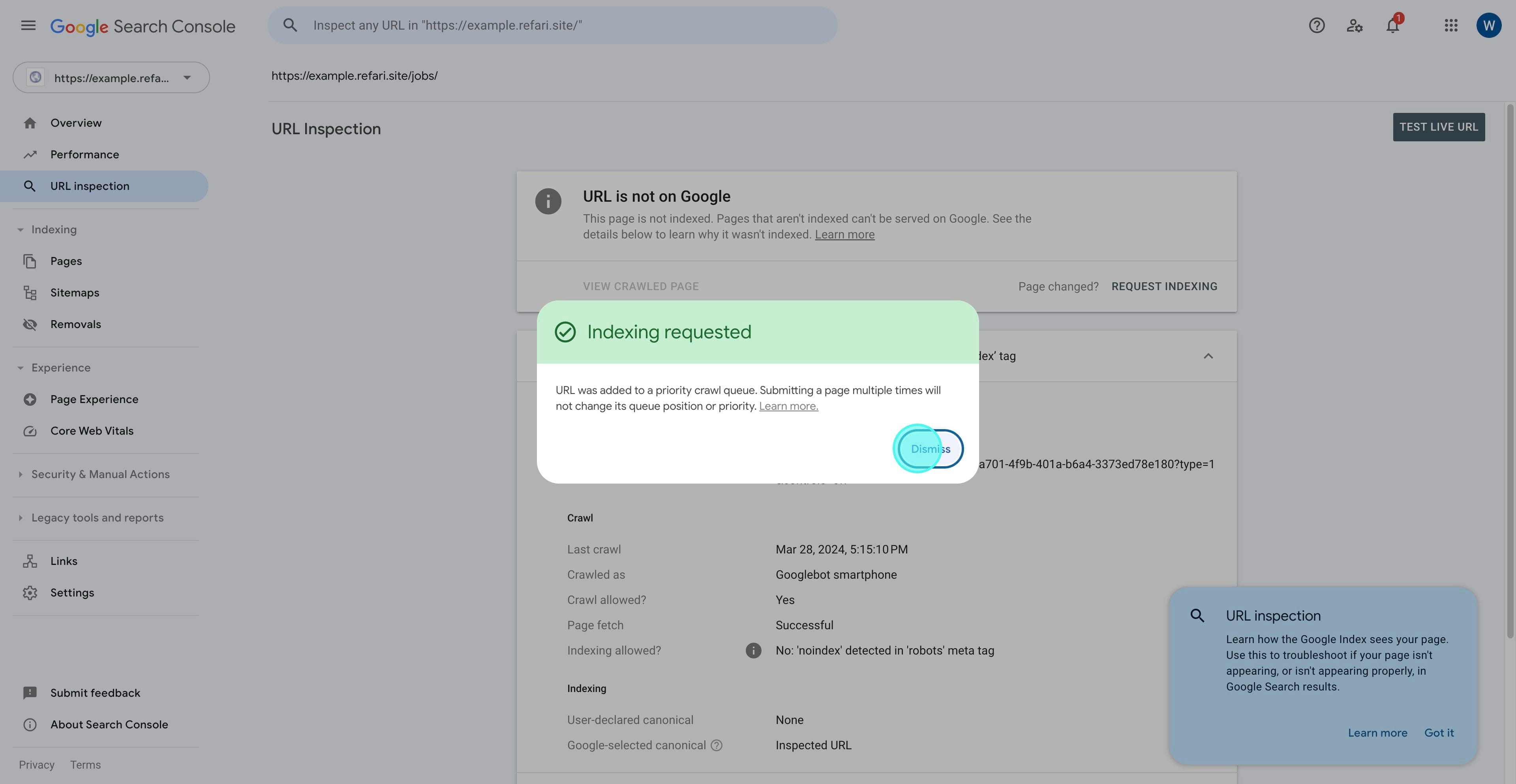
6. As you can see, indexing has been requested, and it will typically take 24-48 hours for the page to be indexed, provided everything is in order.