Refari
How do I create a direct link to send for candidates to set up a job alert?
https://help.refari.work/knowledge-base/article/how-do-i-create-a-direct-link-to-send-for-candidates-to-set-up-a-job-alert
We know that you are all very busy and sometimes don't have a lot of time, with this in mind we've made it easy for you to link candidates to the Job Alert popup.
This can be useful to show candidates where to go to create their own job alerts.
It could also be a call to action via the floating widget on the right hand side of your page!
It's really easy to create. Simply append ?isSubscription to the end of your Job Board page URL.
An example would be: https://yourcompanyname/jobs/?isSubscription
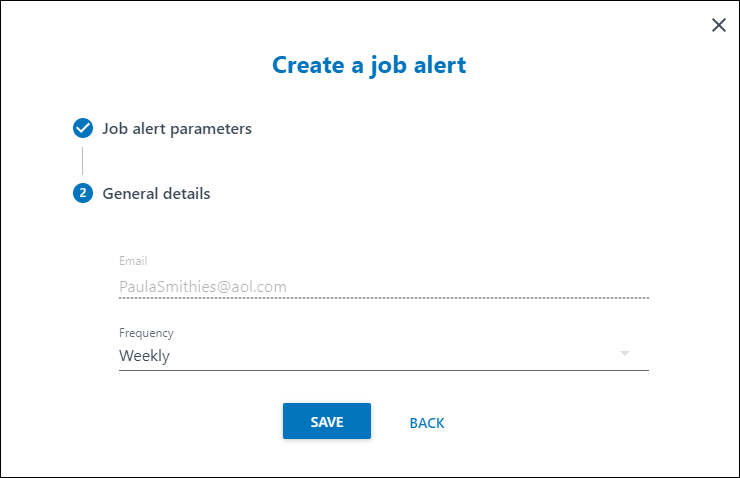
That's it. Your candidates will then be taken directly to the Job Alert popup as shown below.