Refari
How to Post a Candidate Advert from Inside Jobadder
https://help.refari.work/knowledge-base/article/how-to-post-a-candidate-advert-from-inside-jobadder
Step-by-Step Guide to Post a Candidate Advert from Inside Jobadder
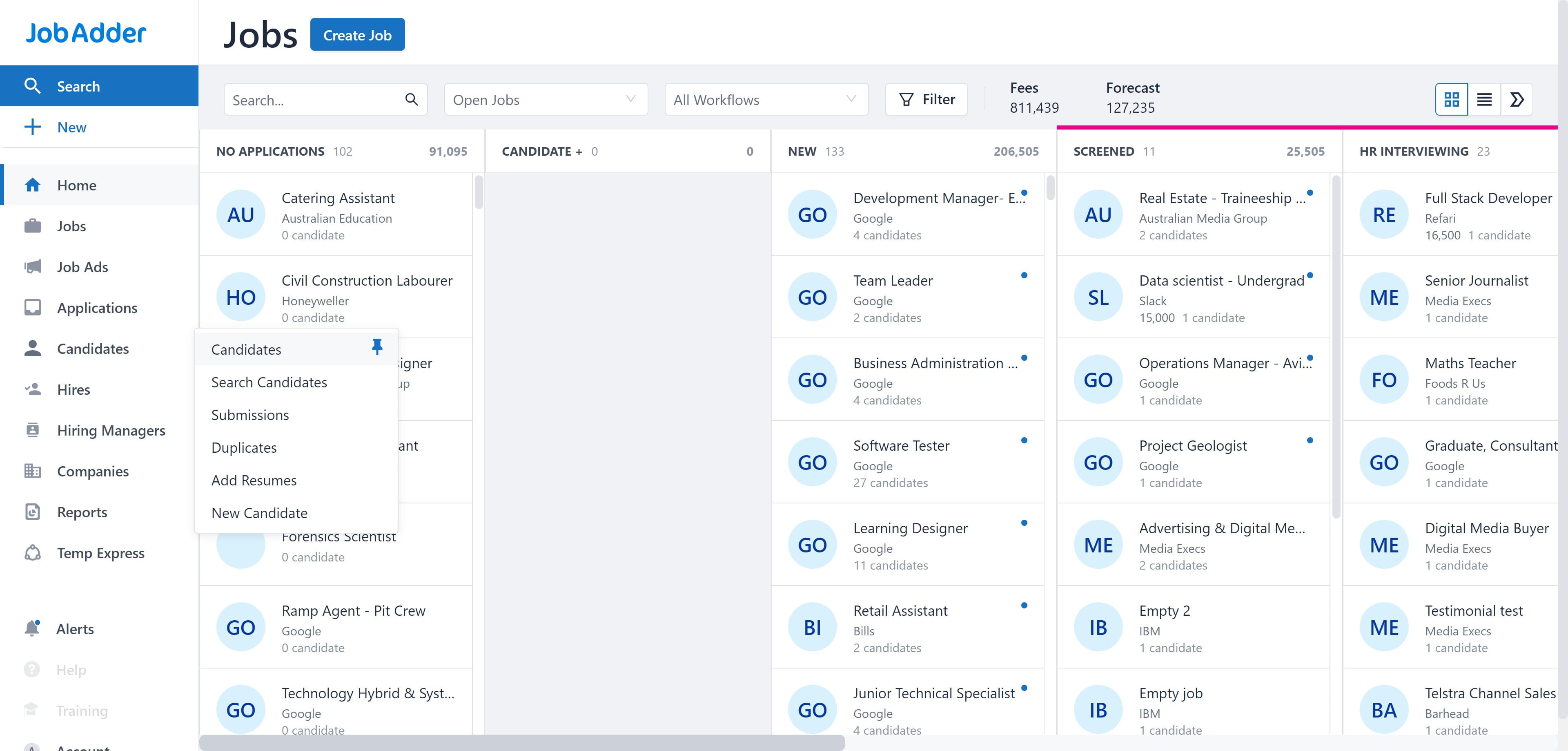
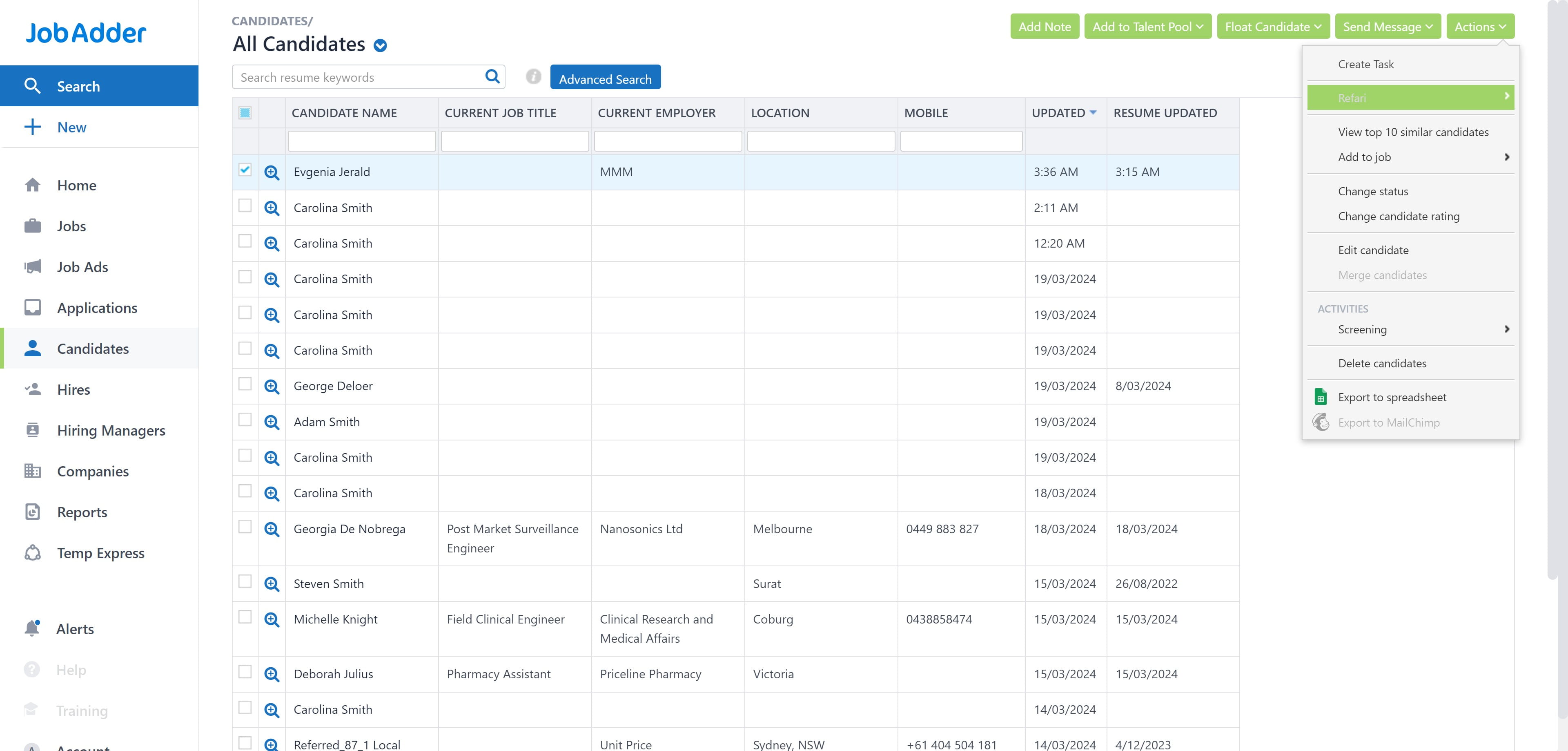
1. Click on "Candidates"
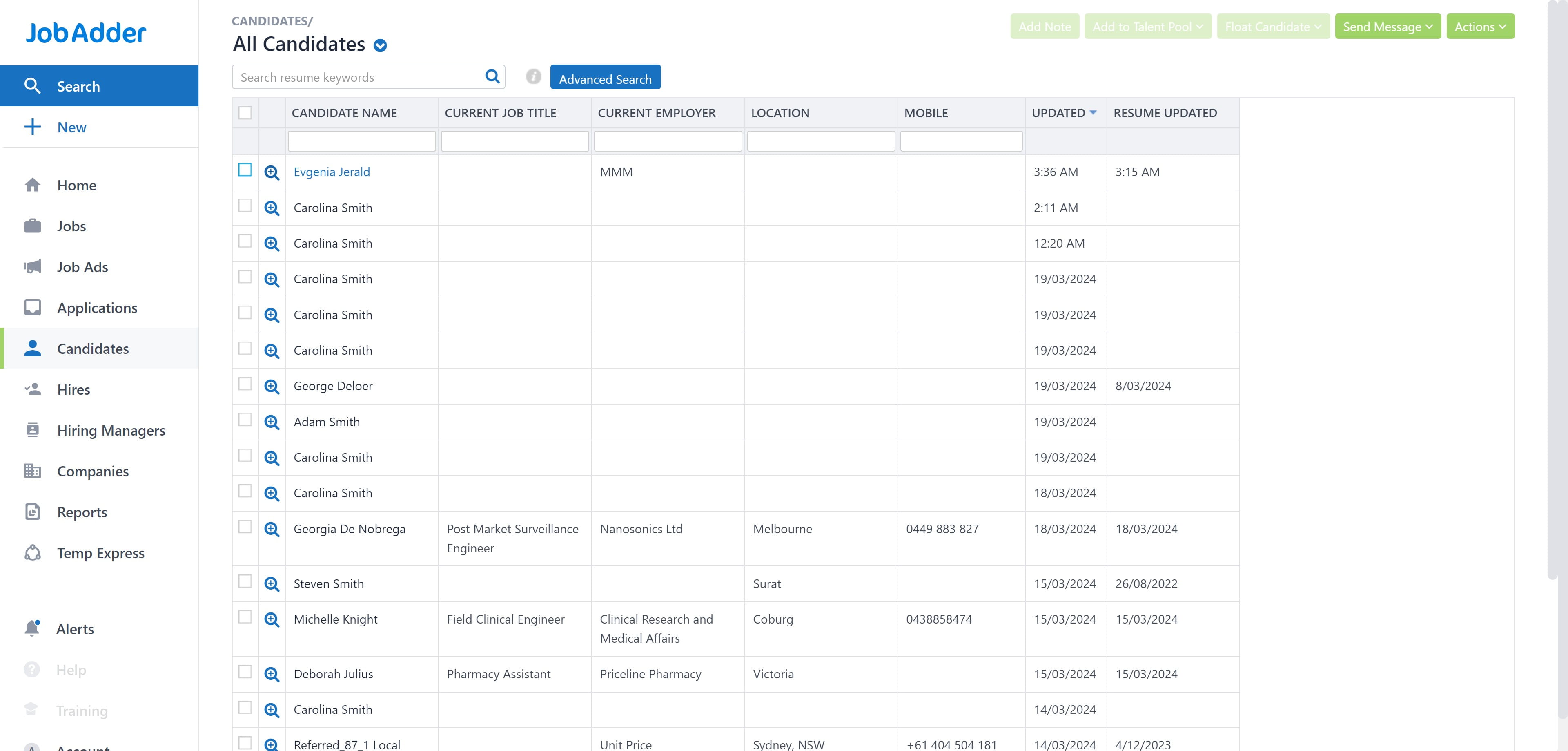
2. Select one of your candidates name from the list.
3. Click on "Actions" at the top right corner.
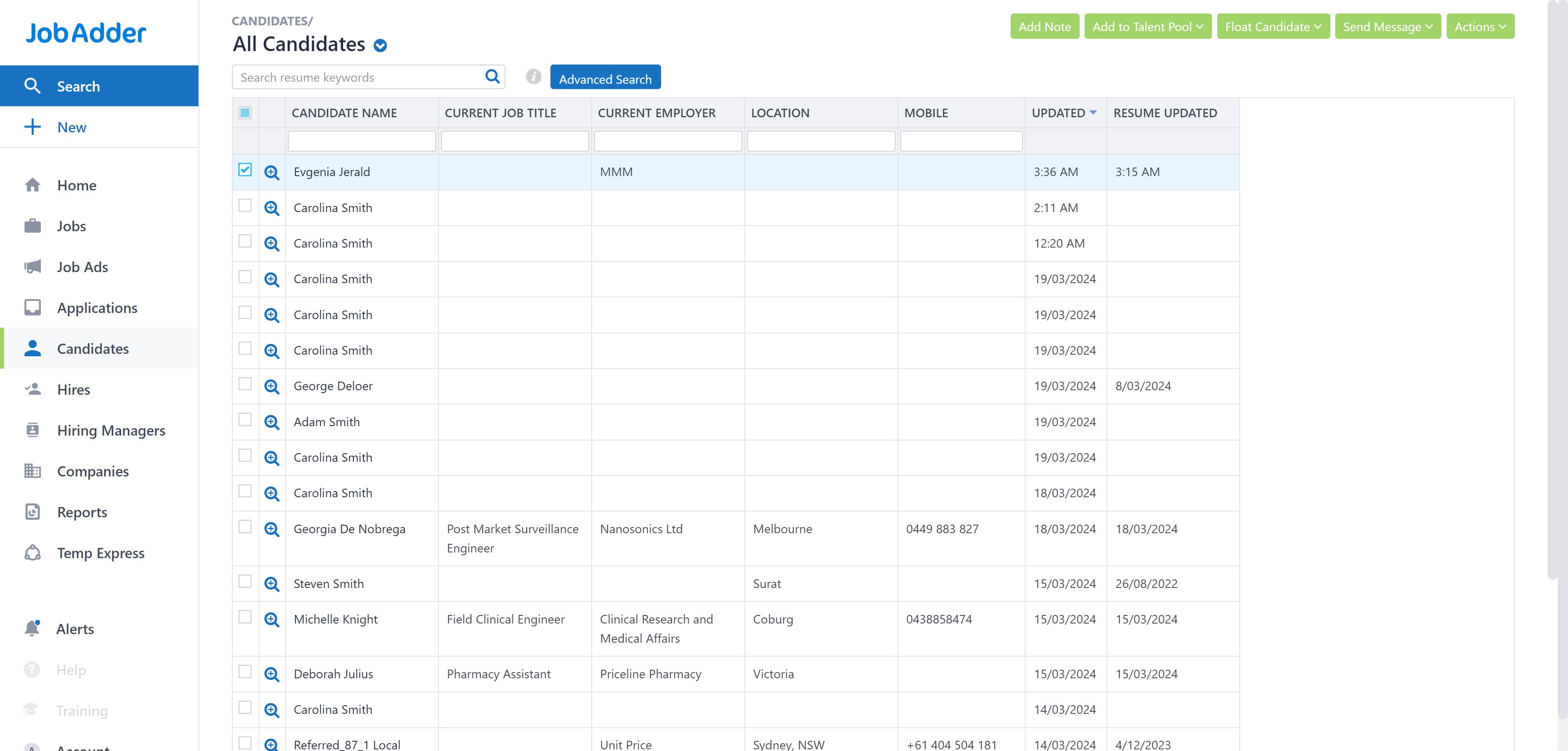
4. Select Refari
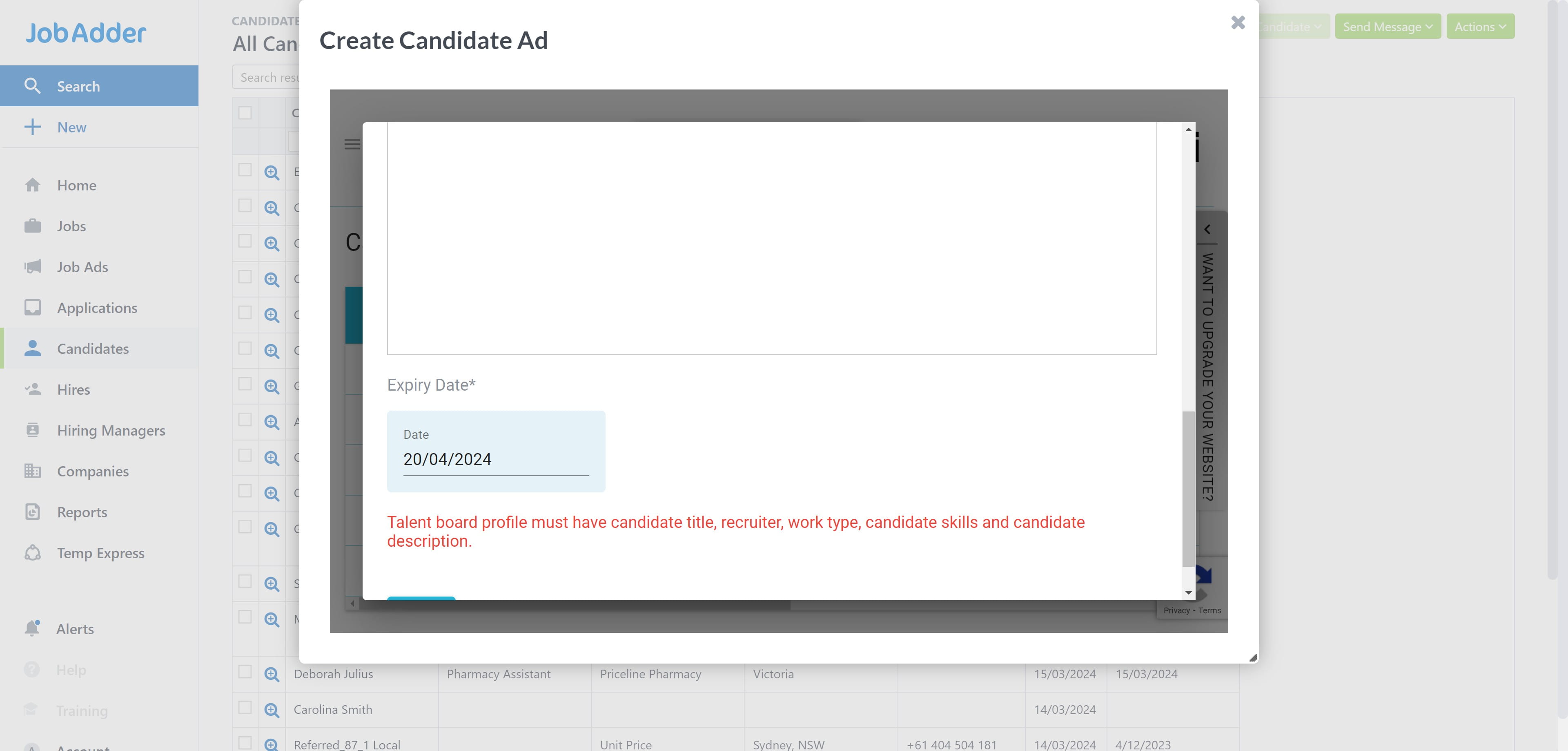
5. Click on "Create Candidate Ad"
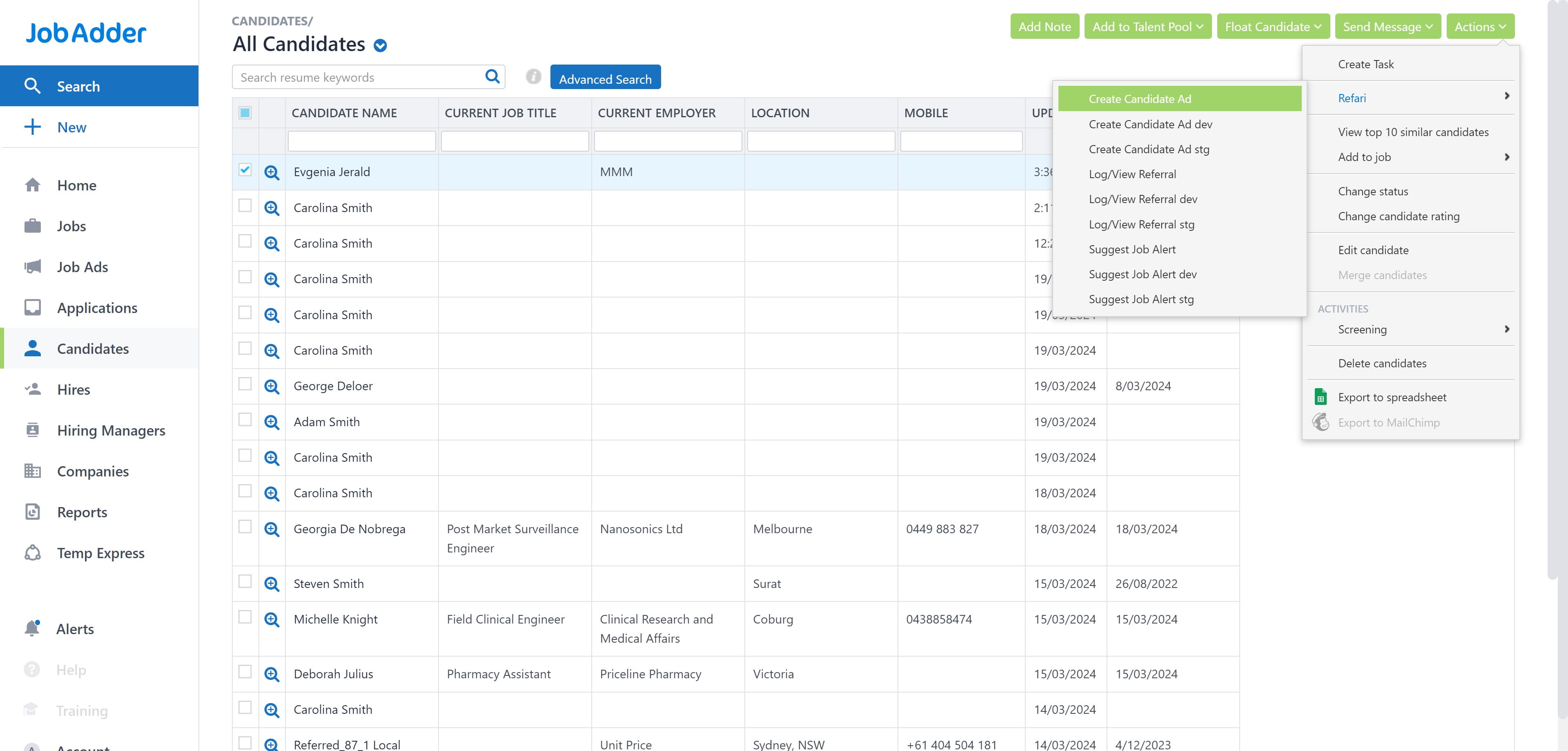
6. And now you can make your candidate advert from inside Jobadder!