
Refari
Salary Filter
https://help.refari.work/knowledge-base/article/salary-filter
The Job Board now has a Salary Filter allowing your candidates to filter the jobs based on the salary and quickly identify roles that fit into their salary range. The Salary Filter is found towards the bottom of the filters on the Job Board.
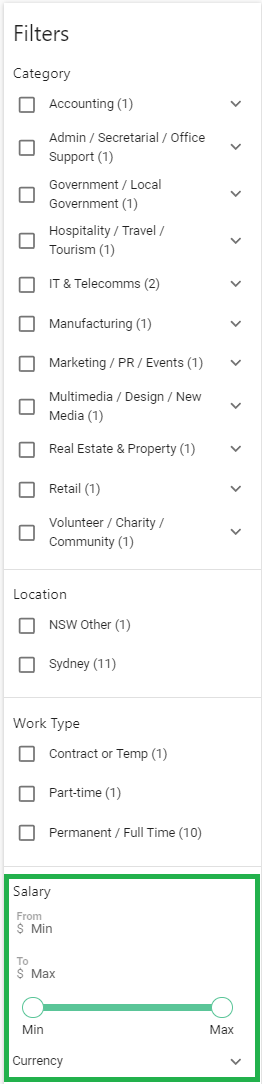
You will notice in this example, you are being asked to select a Currency first. Click on the Dropdown and this will show you the list of currencies that your Job Board has. Our Job Boards allow multiple currencies!
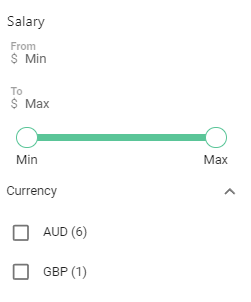
Upon clicking AUD, it will default to the min and max that your Job Board currently has
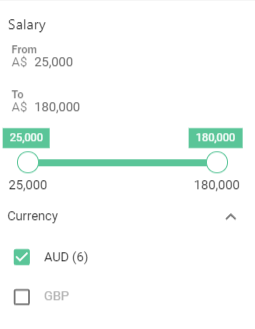
Your candidates can drag the sliders to determine their min and max salary ranges and only jobs that fall somewhere in this range will continue to be visible on your Job Board for that session or until the Salary range is changed.