Refari
Editing Job Ad Summary
https://help.refari.work/knowledge-base/article/editing-job-ad-summary
Editing your Job Ad Summaries is really quick and easy in Refari!When you post a job to your ATS, some like you to include a Summary as well which we can see here on our Job Board
When you post a job to your ATS, some like you to include a Summary as well which we can see here on our Job Board

You can now edit this directly within Refari. To do this, go to your Job Ads page and click on the Job Ad that you want to edit the Summary for. We shall edit the 'Web Developer' Job Ad.
On the Job Ad editor, you can now see the 'Job Summary' tab.
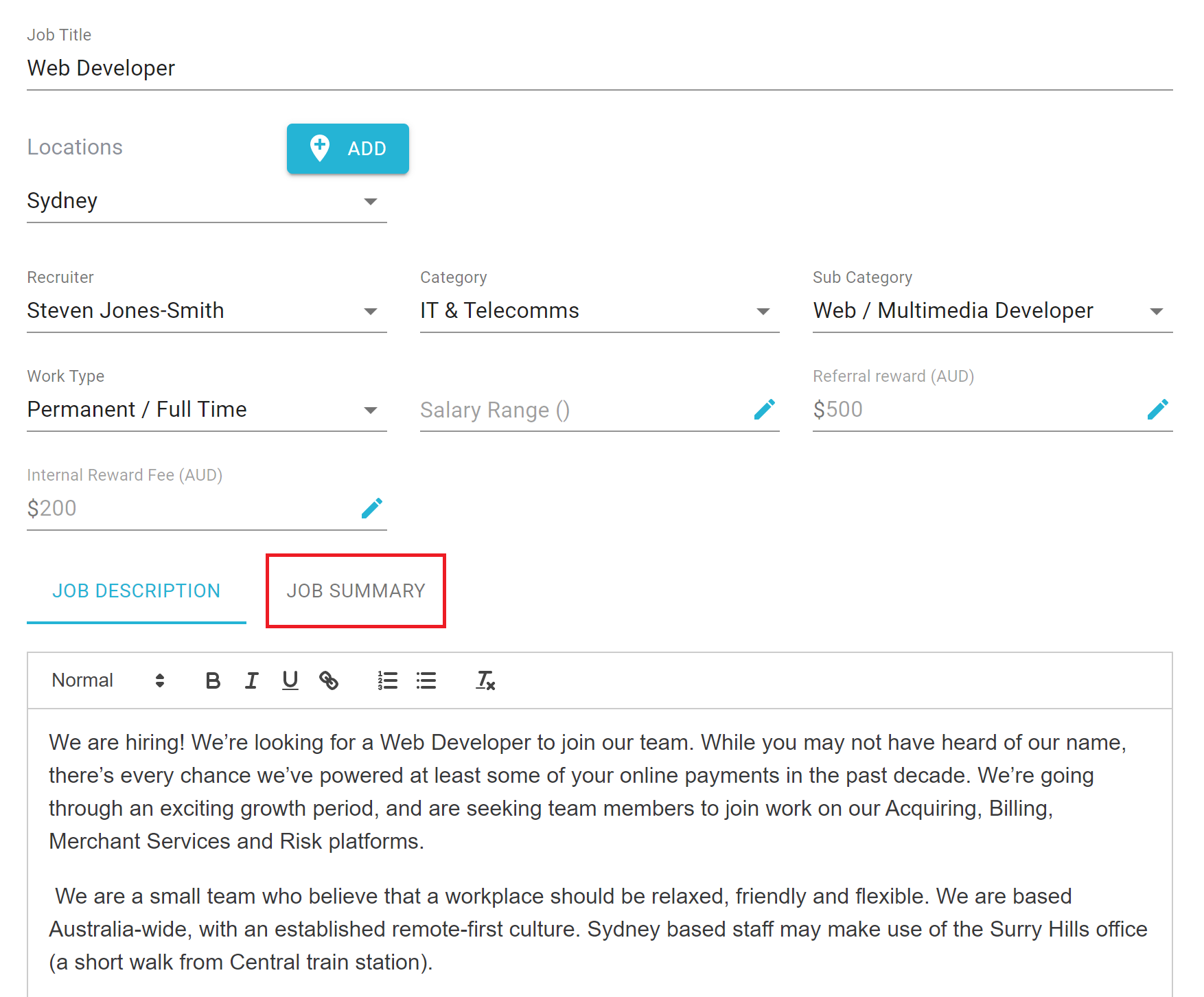
Click on Job Summary and you will now see the Job Summary instead of the Job Description. We can now change the Job Summary and click save
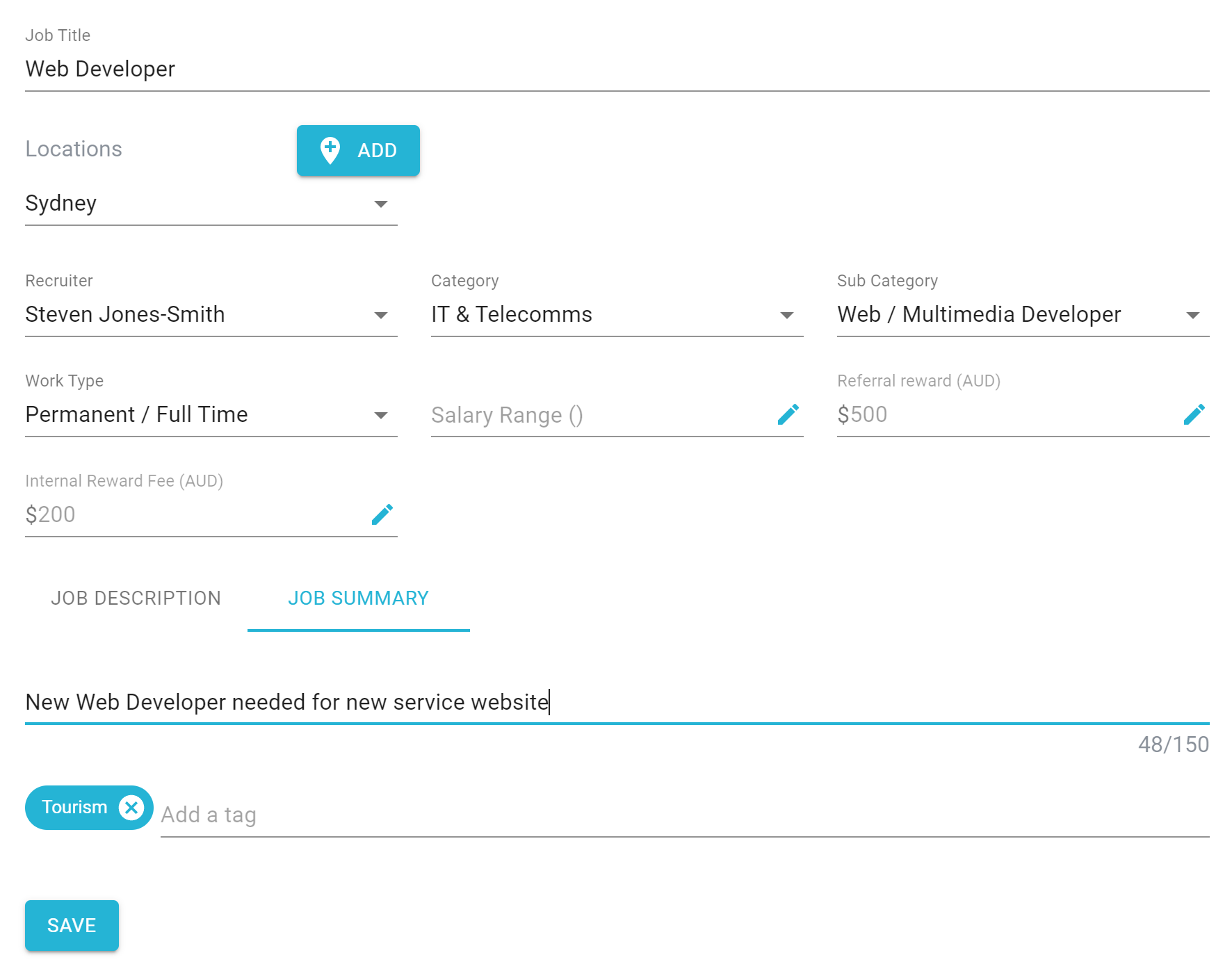
This change will now be seen on your Job Board/Latest Job widgets.