Refari Built Websites
How to Change a Background image on a specific resolution or device resolution
https://help.refari.work/knowledge-base/article/how-to-change-a-background-image-on-a-specific-resolution-or-device-resolution
A responsive website allows users to navigate your site in any device, and it's important thing to consider in building your website.
There are times that images in your site doesn't display in the right position or the resolution of the image doesn't fit on the device's resolution.
Elementor allows you to set background images for specific device resolutions to allow you to display your images properly on any resolutions.
Below we'll you show you the steps on how to update image on a specific device resolution:
Step 1: On the page where you want to edit, navigate on Wordpress Top bar and Click on "Edit with Elementor" to enter the editor view.

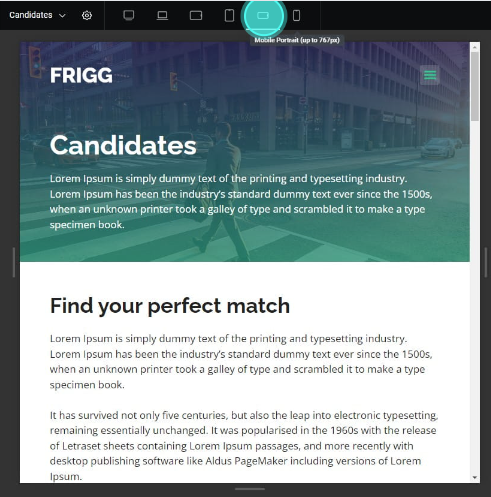
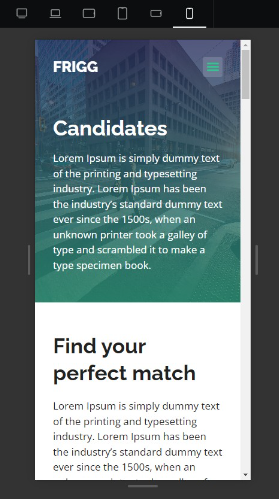
Step 2: Click a specific device or resolution on the top bar where you want to change the image.

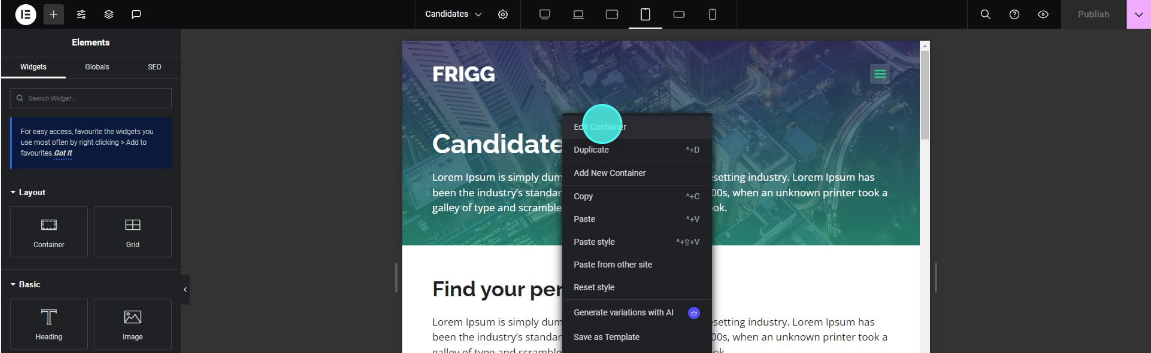
Step 3: Edit the column or container where you want to change the background image
by right clicking the container and then click "Edit Container"
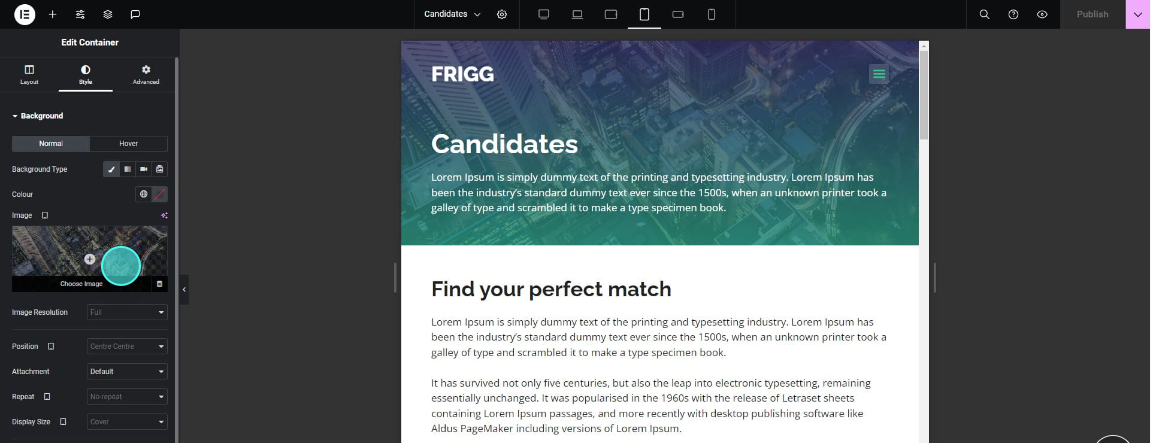
Step 4: Click on "Style" tab in the side panel

Step 5: Within the Background settings click the "Choose image" to select a new image
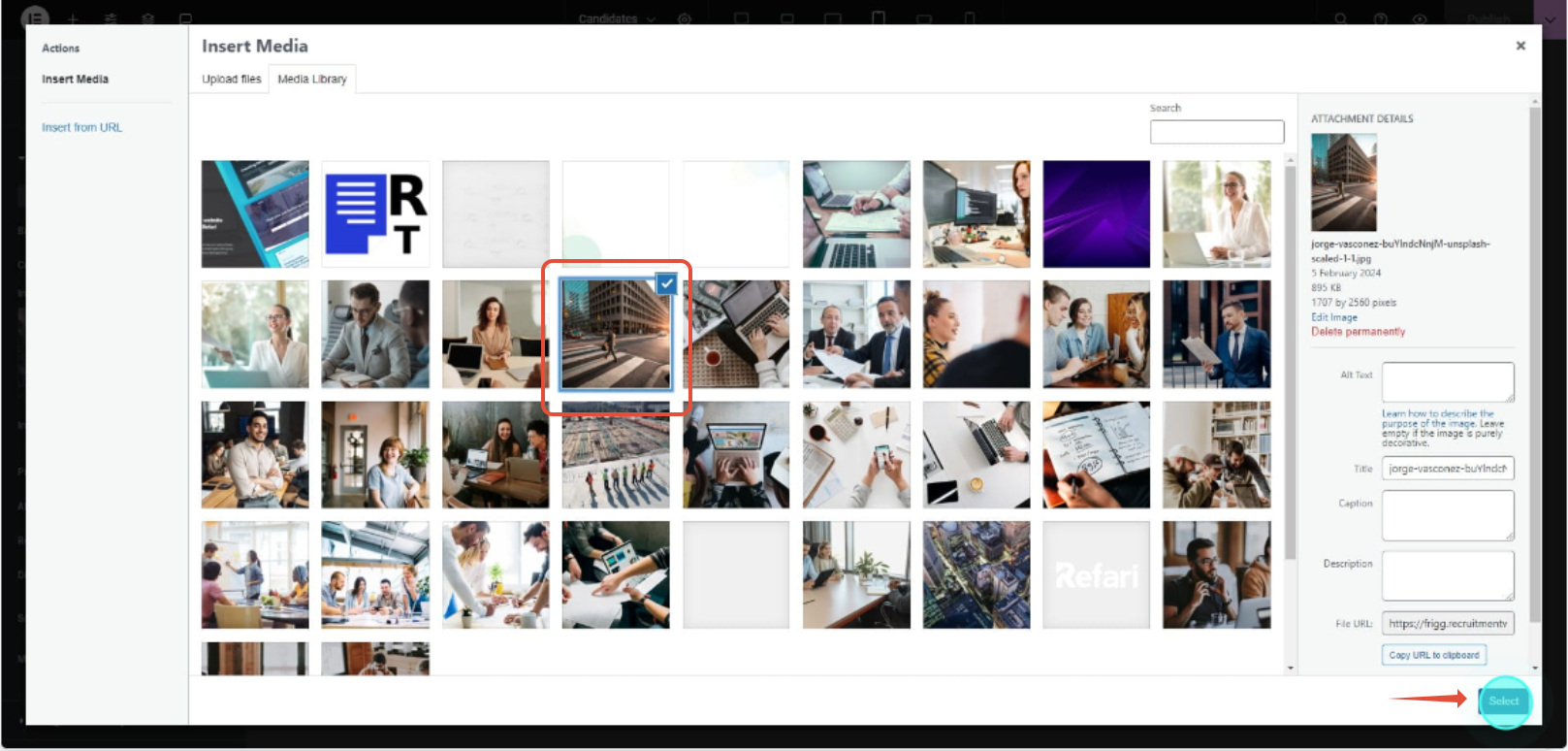
Step 6: Click a new image you want to replace then press "Select" button to replace the old image
Step 7: Now the image is replaced, click "Publish" to save changes.