Refari
How to get your Refari Job Ad URL available on your Job in Jobadder
https://help.refari.work/knowledge-base/article/how-to-get-your-refari-job-ad-url-available-on-your-job-in-jobadder
OK let's start with WHY, why might you want your Refari Job Ad URL in Jobadder?
1 - You might simply want to be able to navigate to your Job Ad on your website quickly.
2 - You may be using third-party marketing or marketing automation software that integrates with Jobadder and as a result, you can now drive traffic to your job advert on your website.
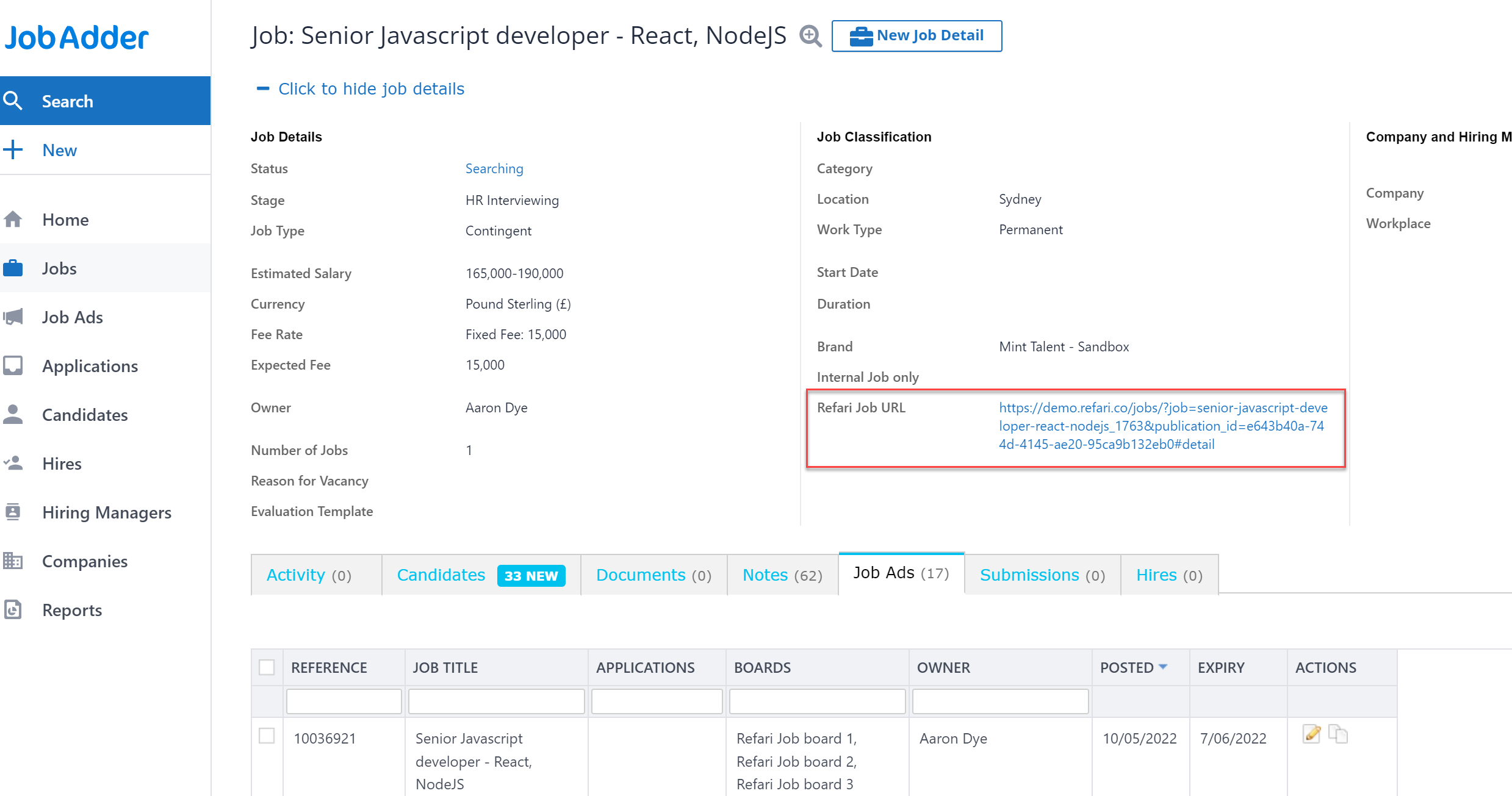
If you want to do either of these two things all you need is to Request a new field be added to your Job Order record by submitting a ticket to Jobadder. The new field should be called "Refari Job URL"
If this field is present Refari will automatically update the Job Order with the latest Refari Job Advert URL!