
Refari
How to hide Job Salary
https://help.refari.work/knowledge-base/article/how-to-hide-job-salary
Sometimes you may wish to hide the Job Salary on the Job Board and Latest Jobs Widgets and you can do this for all Jobs or on a job by job basis.
All Jobs (Admin only)
Navigate to Refari.co and login.
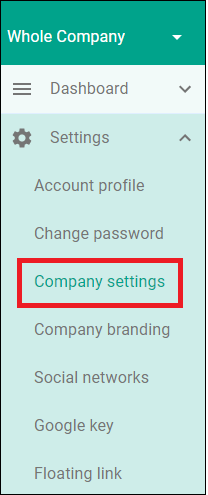
Then click on Settings to display the list as shown below. Click on Company settings.
You can there are multiple toggles for different settings. The toggle we need is the 'Show Salary'
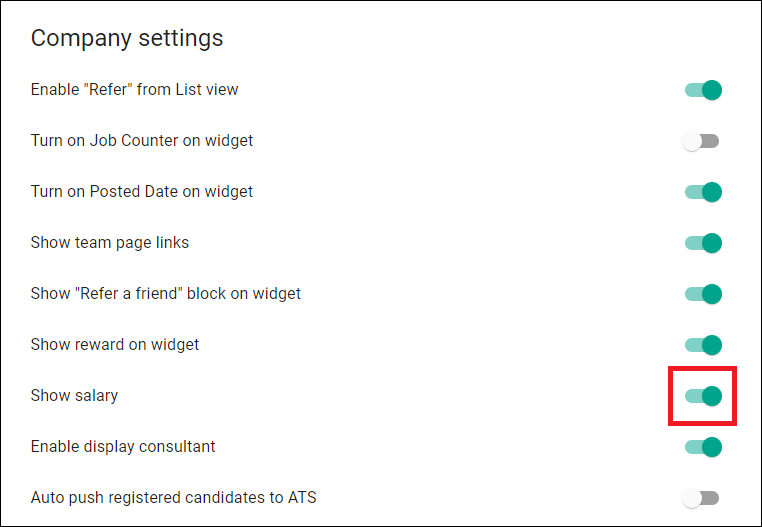
Clicking on the toggle will turn this on and off.
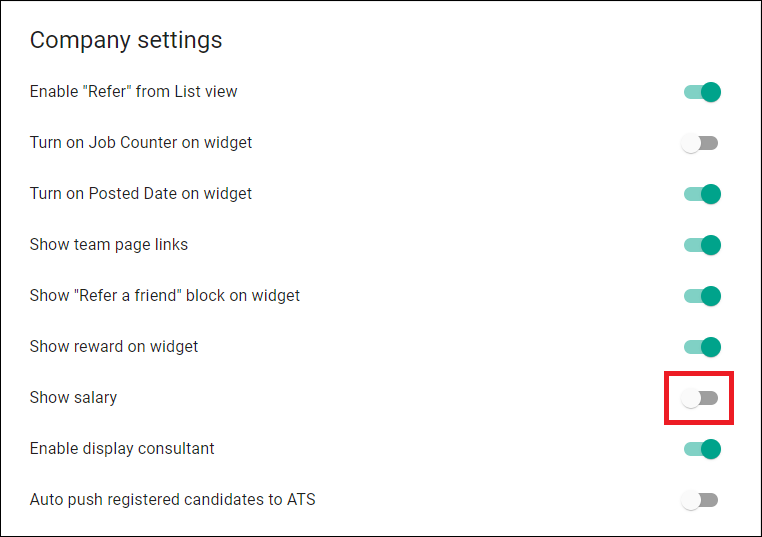
Circle on the left = OFF
Circle on the right = ON
When you click on the toggle the setting is automatically saved.
The Job Salary is now turned off as shown below.
Job By Job
Navigate to Refari.co and login.
Then click on Dashboard to display the list as shown below. Click on Jobs.
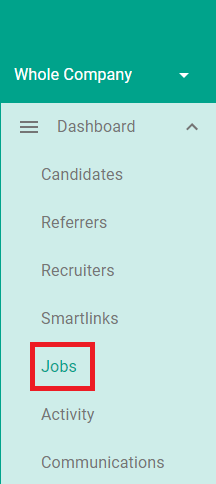
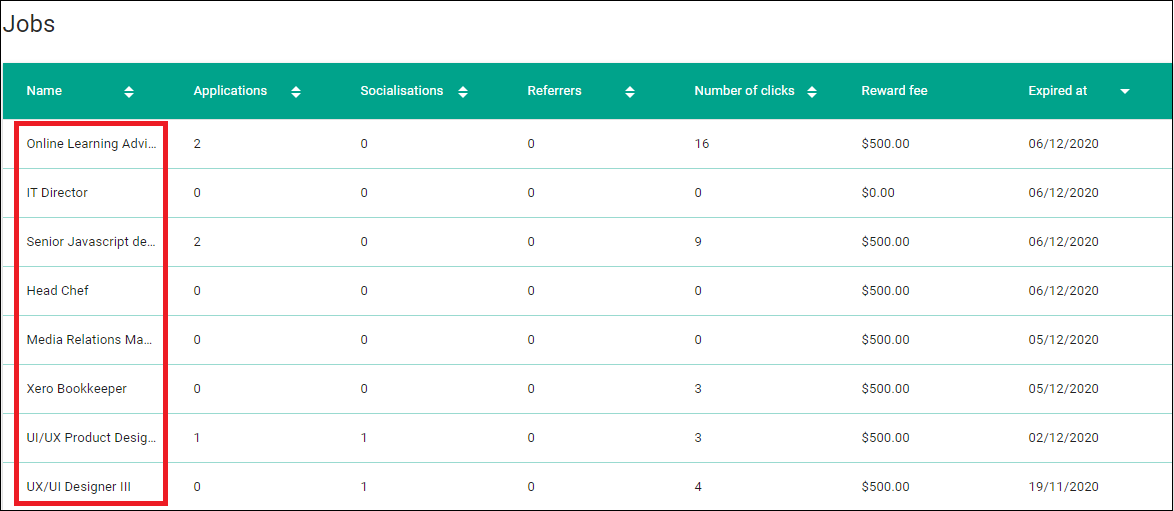
You then see a list of all your jobs. You can click on any job.
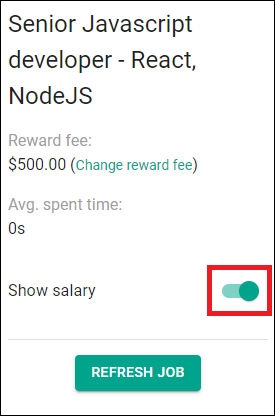
Here we need to use that toggle button and turn it from on to off.
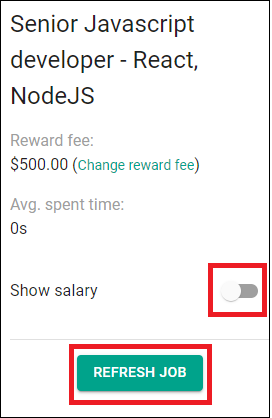
Once you have turned the toggle to off as shown below, click on Refresh Job.
That's it, you can now replicate the process with any jobs you wish.