Refari Built Websites
How to login on your Refari Website
https://help.refari.work/knowledge-base/article/how-to-login-on-your-refari-website
Today we'll show you on how to login to your Refari Website so you can make changes and updates on your site.
1. In order to login to your Refari website, go to this link > https://your-site.com/wp-admin
Note: If you don't have access or account on your site yet, you can email Refari support to provide you an access.
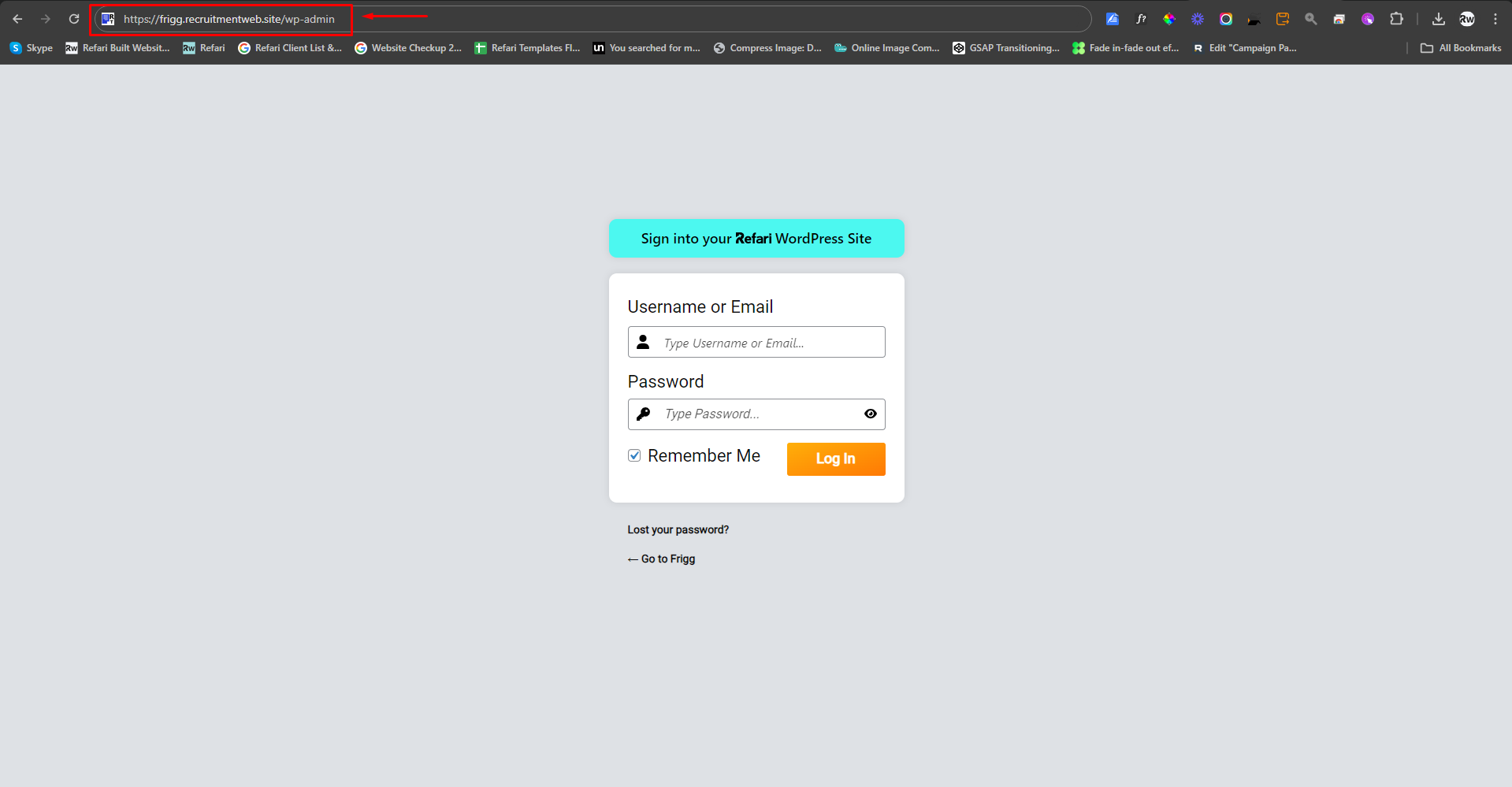
2. Now input your username/email and password in the fields.

3. Then press "Login In" button.

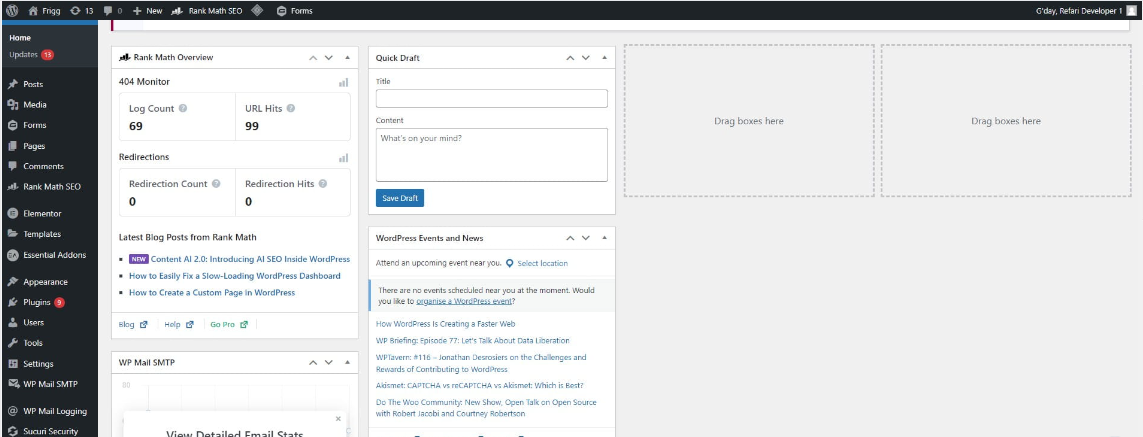
4. Then you will be logged in and redirected to your site dashboard.