
Refari
How to post a job advert from JobAdder to Refari
https://help.refari.work/knowledge-base/article/how-to-post-a-job-advert-from-jobadder-to-refari
This guide walks you through posting a job advert from JobAdder so that it appears on your Refari job board and website. It covers writing the ad, choosing which boards to post to, setting the classifications, and posting it live.
Posting a job advert from JobAdder
Step 1: Log in to JobAdder
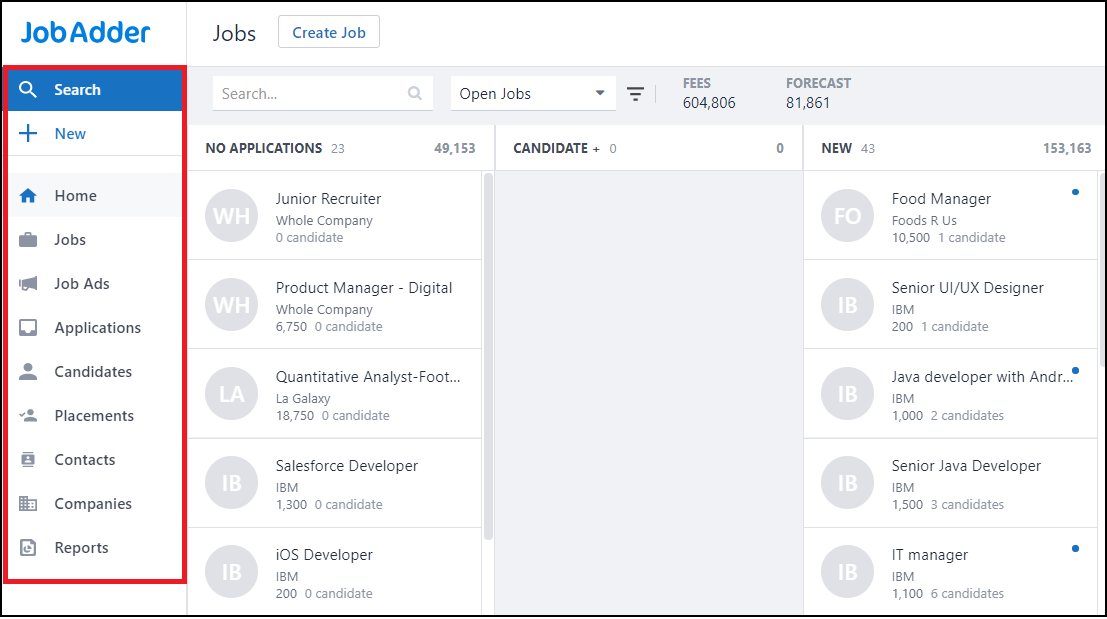
Log in to JobAdder. You will see the menu shown below on the left. From here you can post a new job ad, re-post an existing one, or post directly from a job. This guide covers posting a brand-new job ad.
Step 2: Start a new job ad
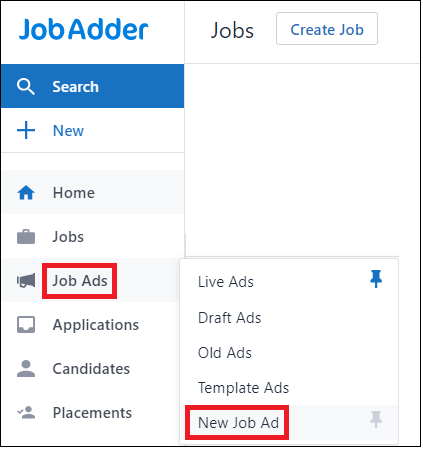
Hover over Job Ads and click New Job Ad to get started.
Step 3: Write the ad
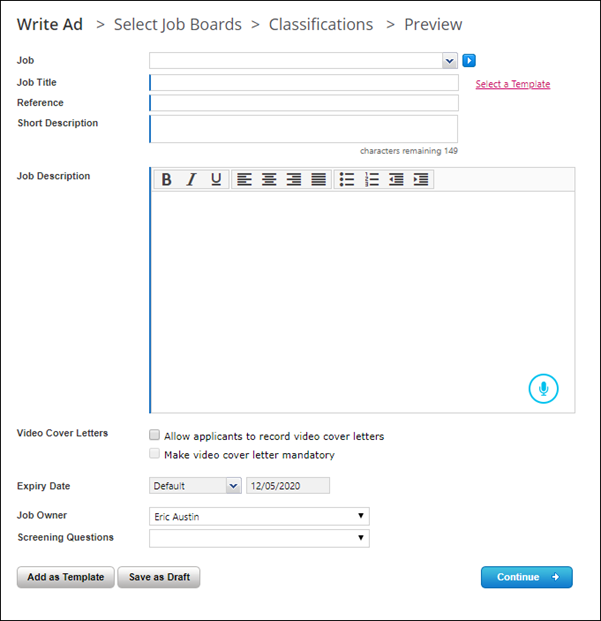
Fill in the relevant details and click Continue. Job Title, Reference, Short Description and Job Description are mandatory JobAdder fields.
Step 4: Select your job boards
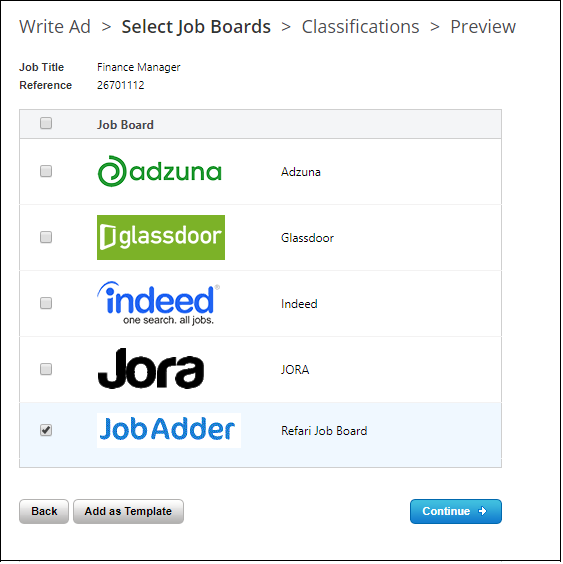
Choose which boards to post the job to. Select at least one of the boards you have linked with Refari so the job appears in the jobs widget on your website, then click Continue.
Step 5: Set the classifications
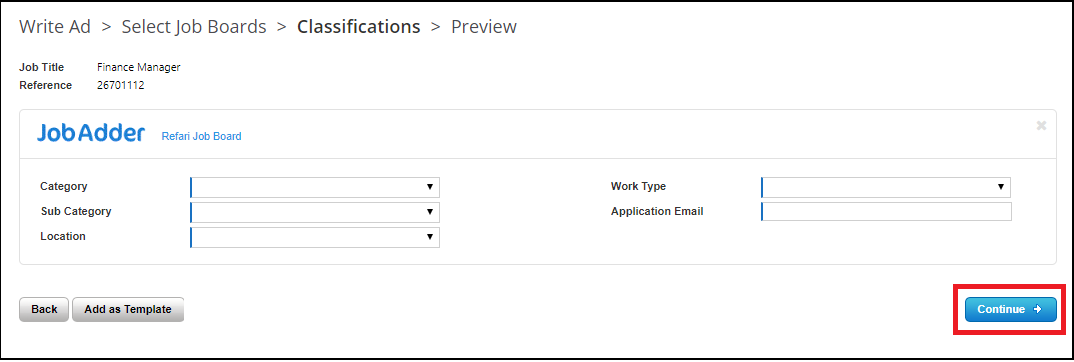
Set the classifications for the advert. All five fields are required.
Step 6: Preview and post
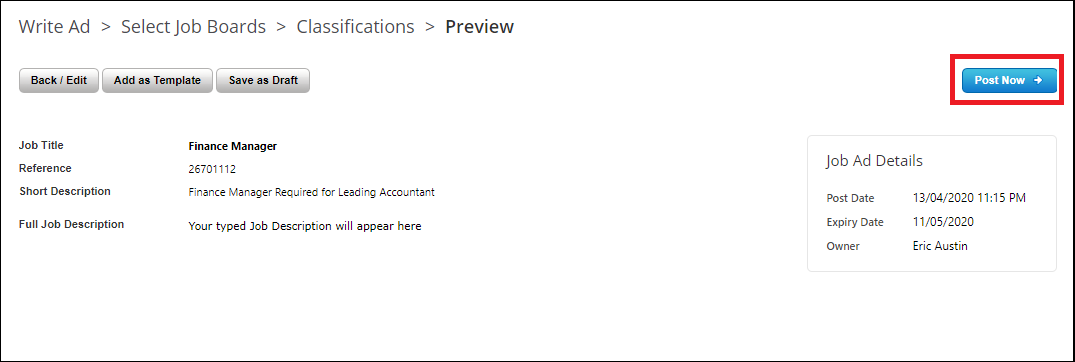
Clicking Continue takes you to the Preview tab, where you can take one last look at the advert before posting. When you are happy, click Post Now and your advert will be live.
See it on your website
Over on your Refari jobs widget, you will see the job is now live and visible to candidates.

Final Notes
That is all there is to it. If you later need to change an advert you have already posted, there is a quick way to force JobAdder to push the update through to Refari.