Refari
How to re-invite users when their Refari invite has expired
https://help.refari.work/knowledge-base/article/how-to-re-invite-users-when-their-refari-invite-has-expired
If a user hasn't accepted their Refari invite in time, there's a straightforward process for admin-level users to resend the invitation. By logging into their account and navigating through the "Company Users" section, admins can identify and select users who haven't registered yet. The platform provides a simple option to resend these invitations, ensuring no one misses out on joining your Refari network. This guide will walk you through each step to ensure your team is fully connected.
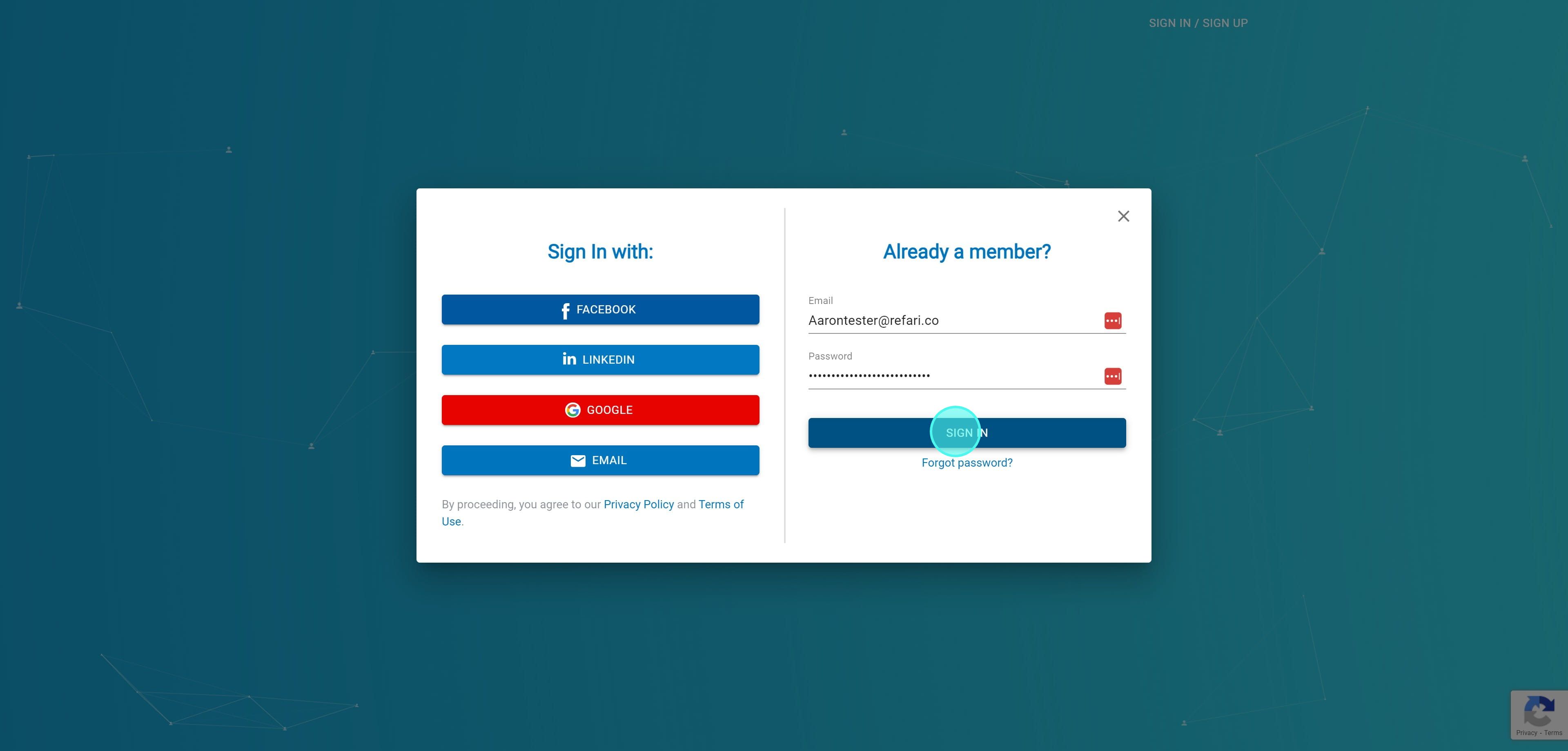
1. If users fail to accept their Refari invite quickly enough. Admin-level users can reinvite them. They can do this by signing into their account by going to https://app.refari.co/sign-in
2. Click on "Sign In"
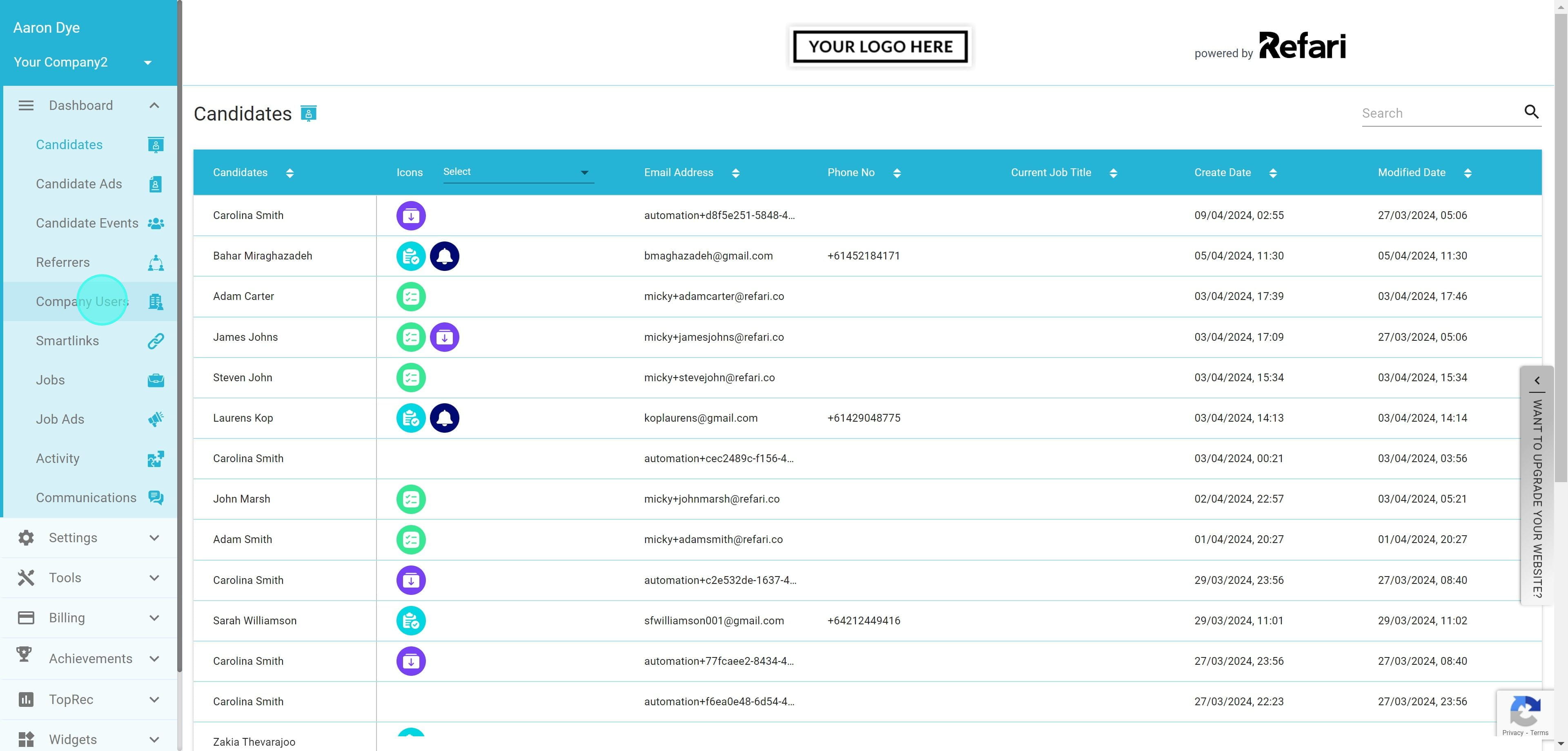
3. Click on "Company Users"
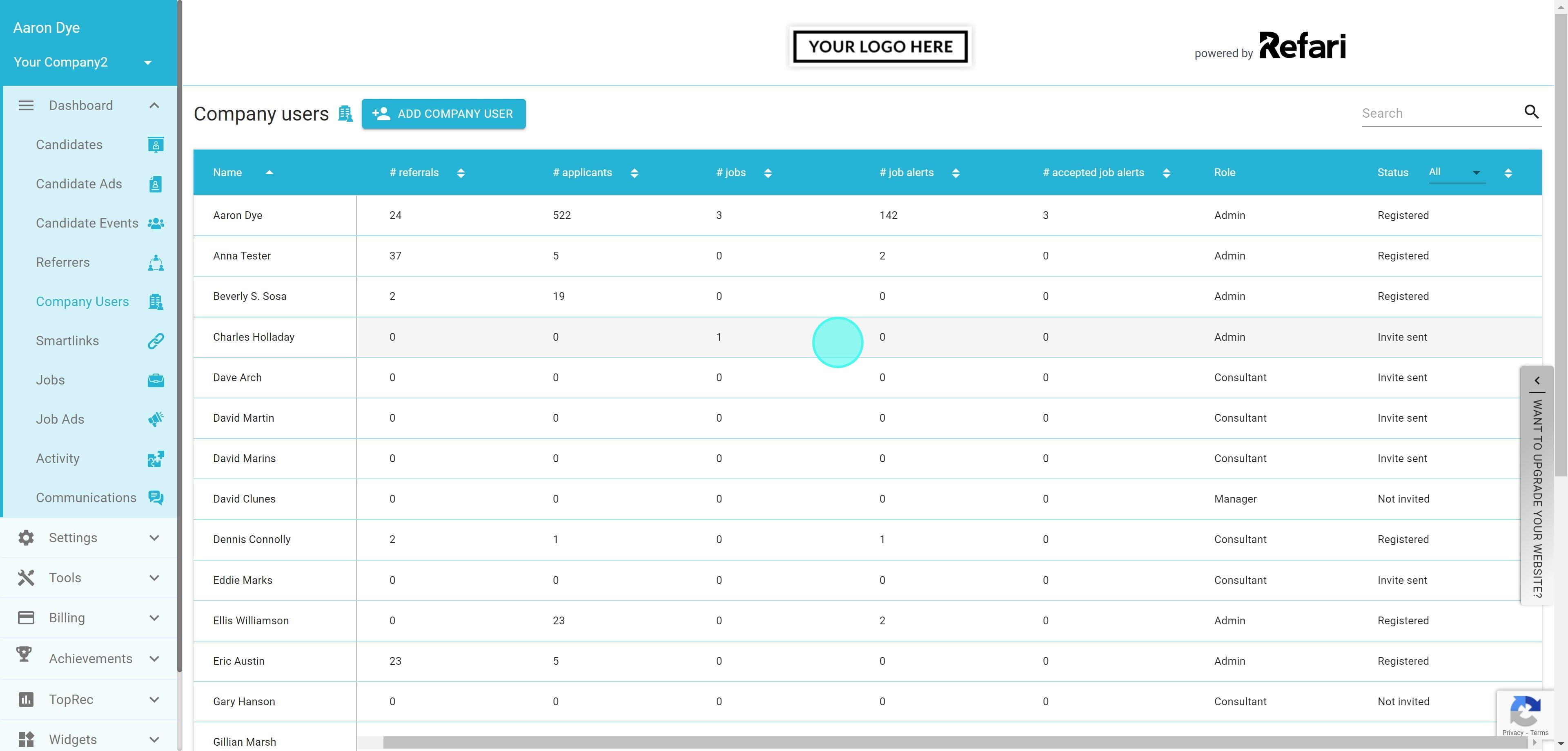
4. You can check the invite status of all users by scrolling to the far right of the company users table.
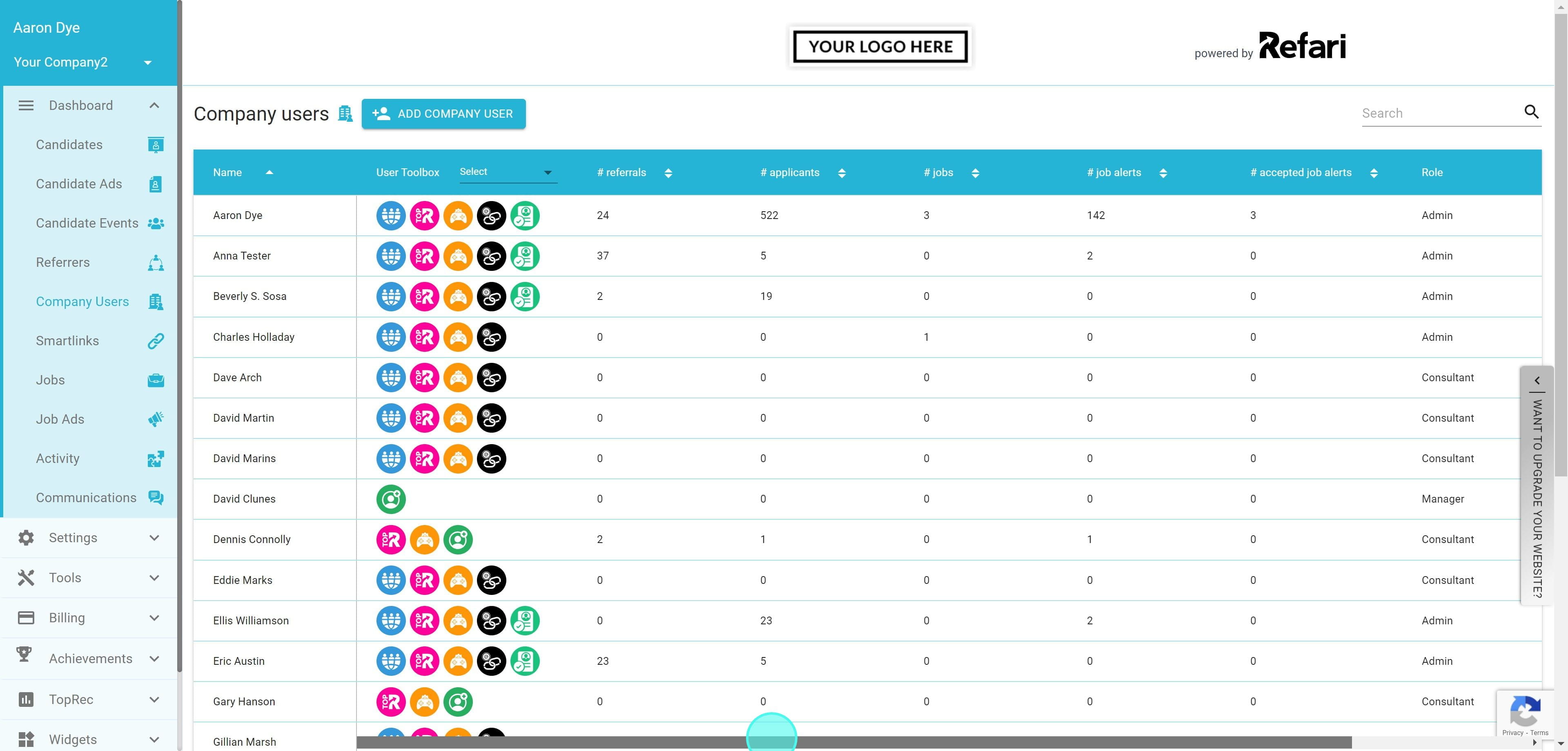
5. You will see that the user Charles Holladay has previously received an invite, but has not accepted it, otherwise they would appear as "Registered in the "Status" column. I click on the row for the user Charles Holladay.
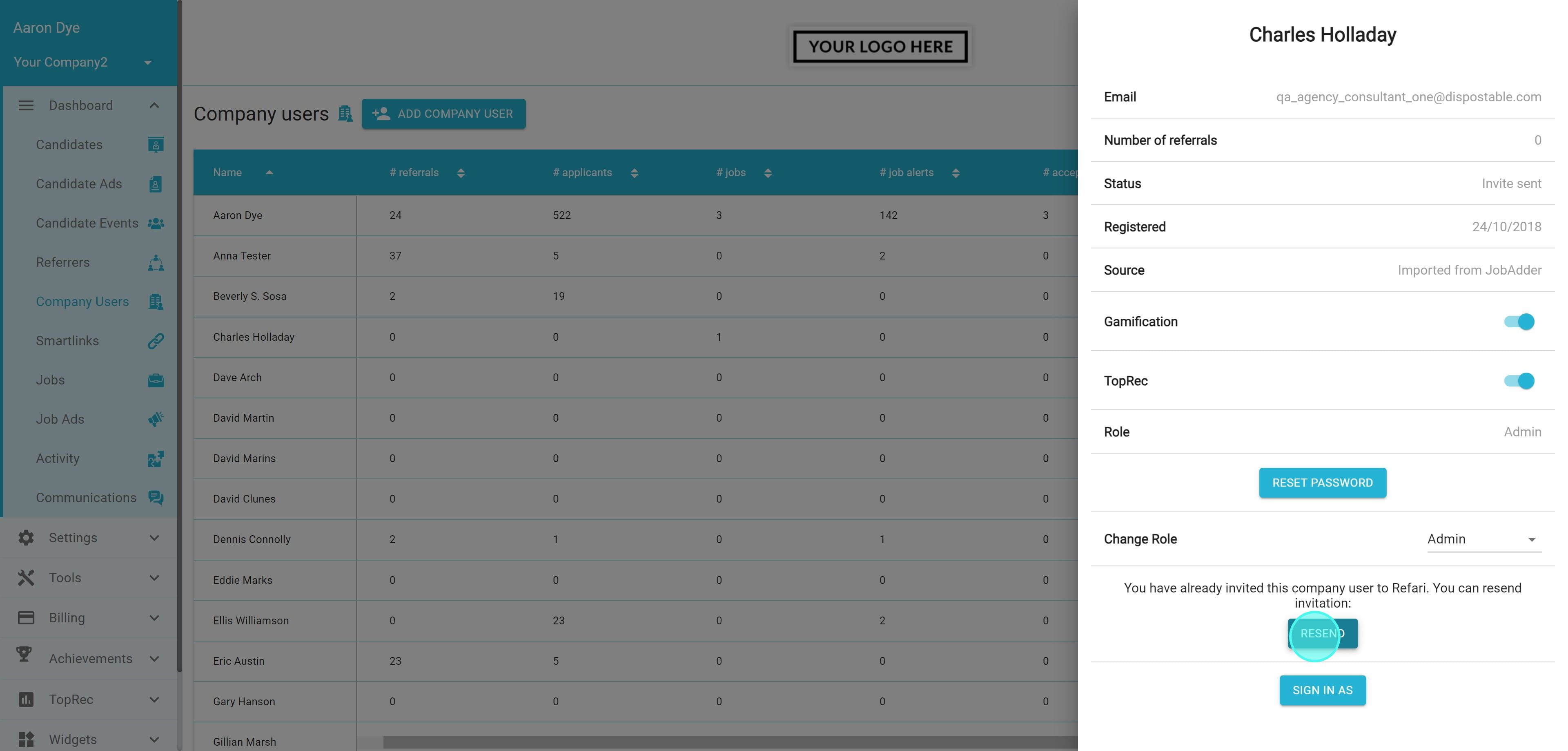
6. Here we can see we have the ability to resend the invite to this user. So we click on "Resend"
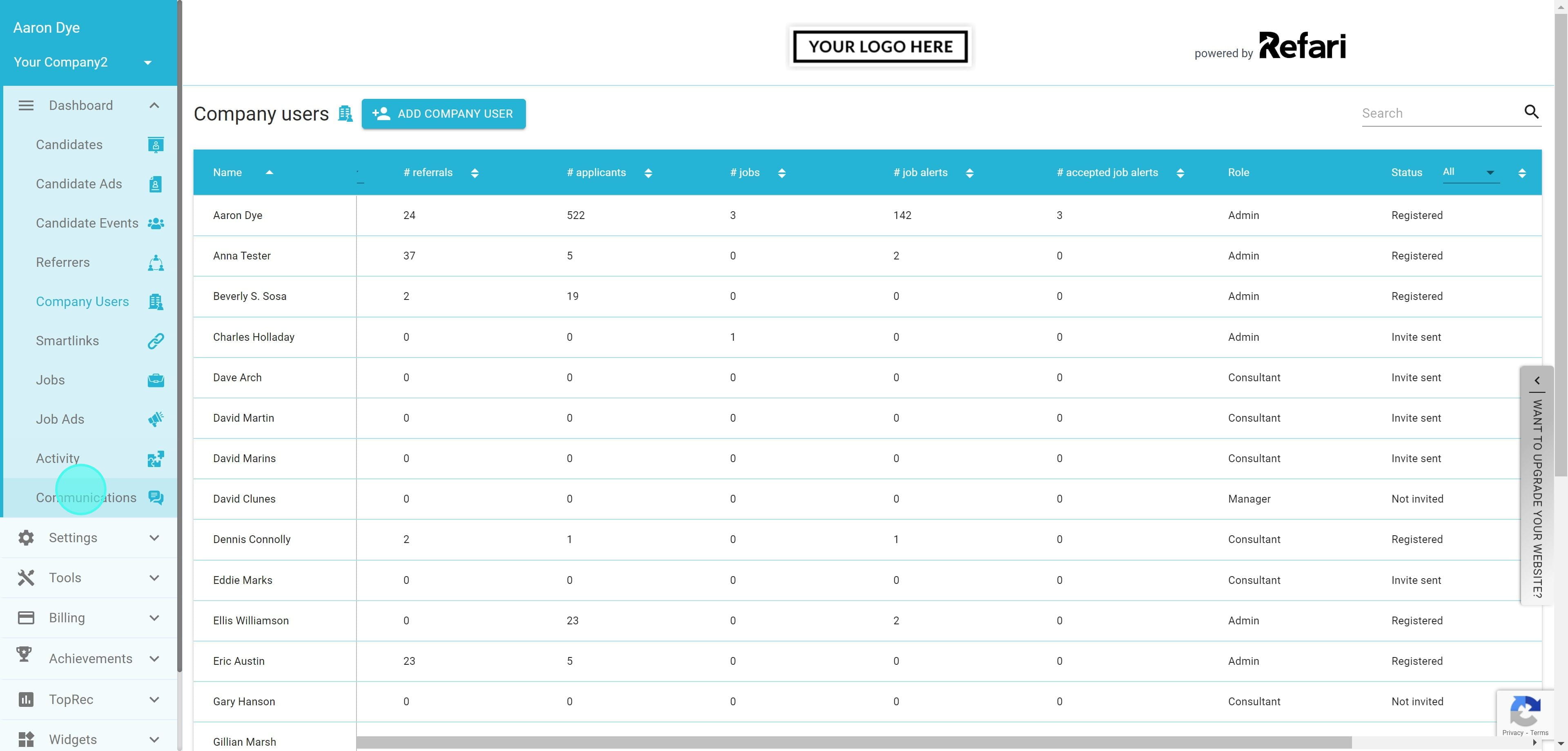
7. Next I am going to navigate to the communications tab, to ensure this email has indeed been sent. So I click on "Communications" in the left-hand navigation.
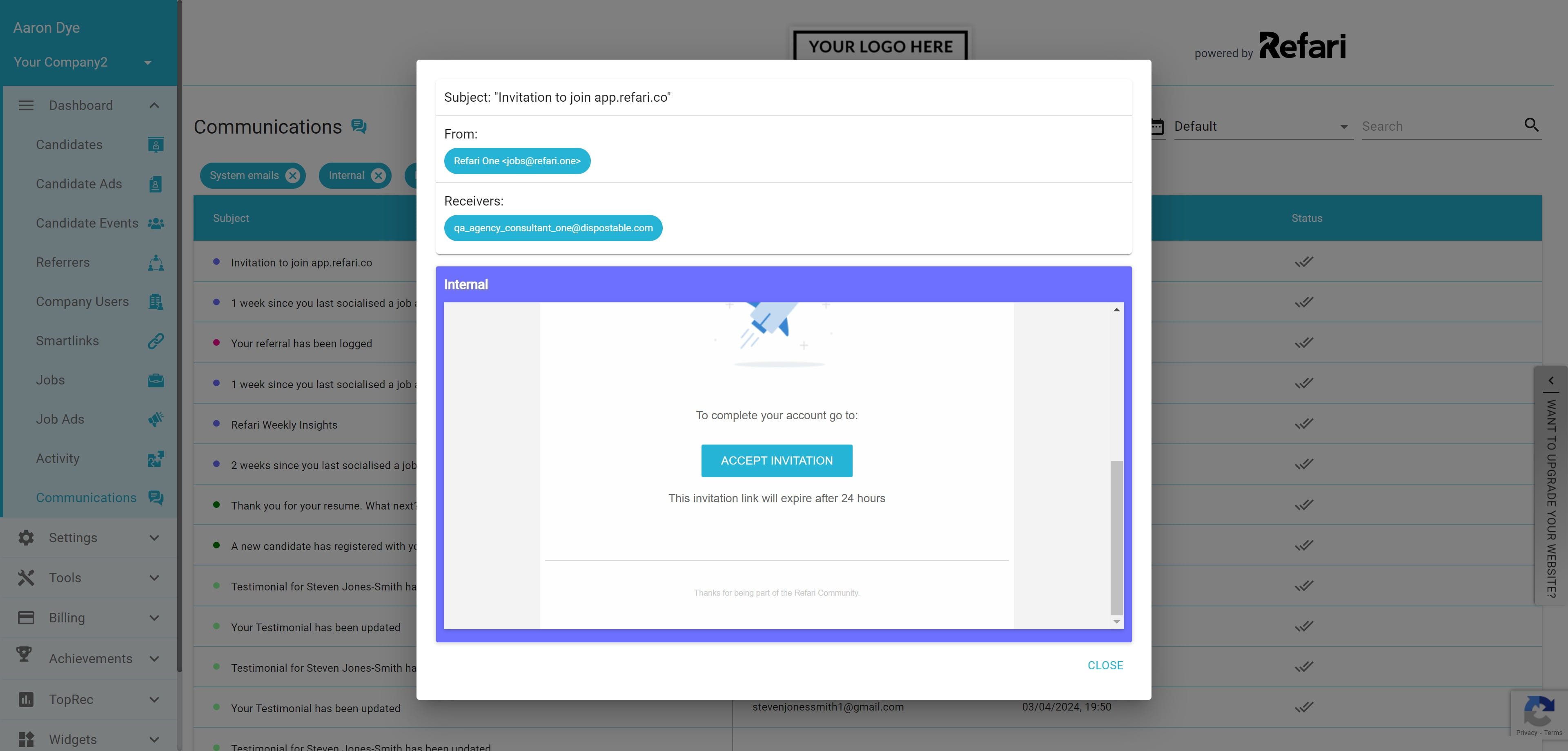
8. I can see here that a communication has just gone out to invite a user to accept their Refari invitation.
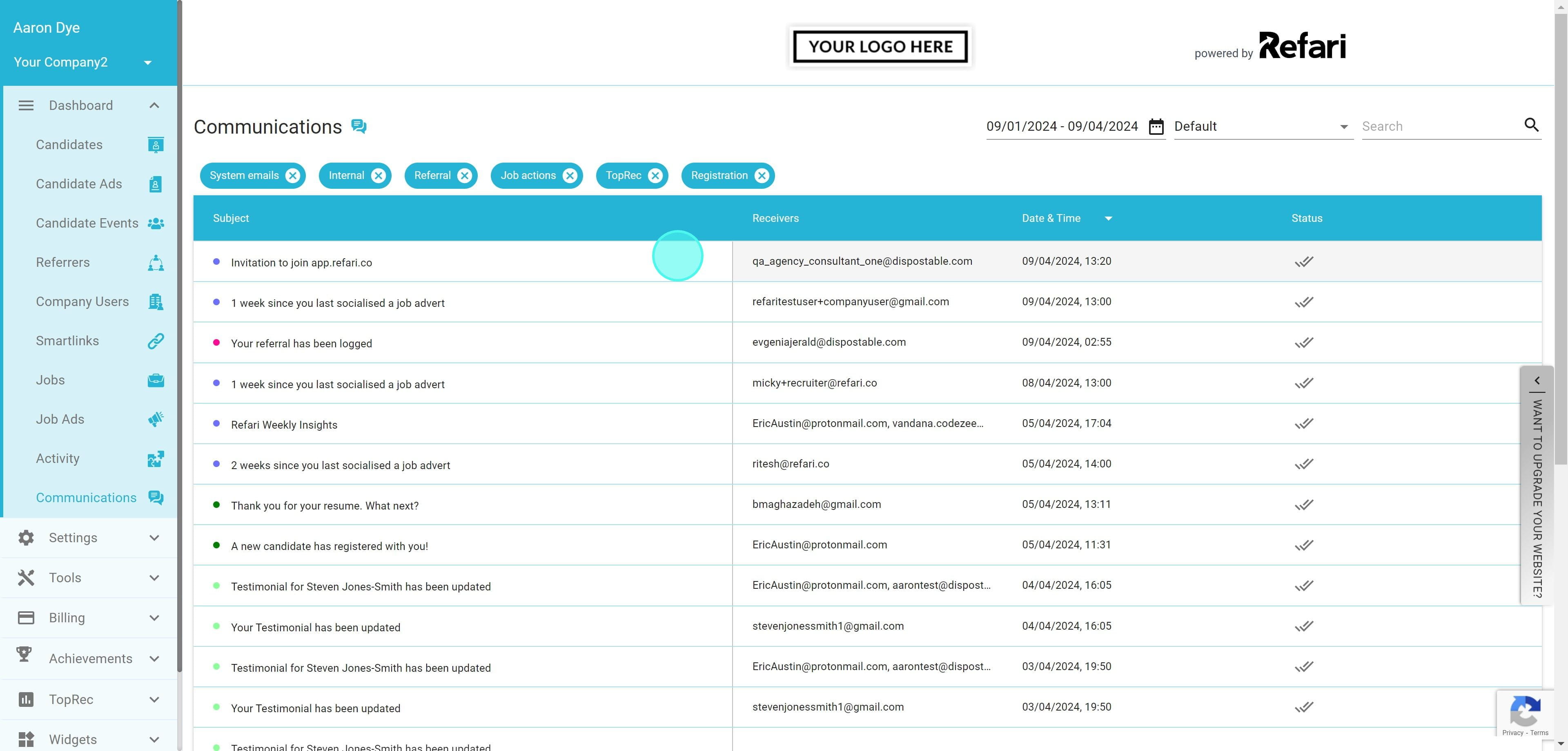
9. I can even click on the communication row itself to see exactly what has been sent.