
Refari Built Websites
How to update Address on Refari Site
https://help.refari.work/knowledge-base/article/how-to-update-address-on-refari-site
Today we'll be showing on how can you easily edit the addresses in your website's footer or any pages where your address is stated.
Follow the step by step guide on how to edit pages or templates:
Step 1: To edit the address in the footer, hover on "Edit with Elementor" and click "Footer" to enter the editor view of the footer.

Step 2: Click the Icon List widget to edit the address.
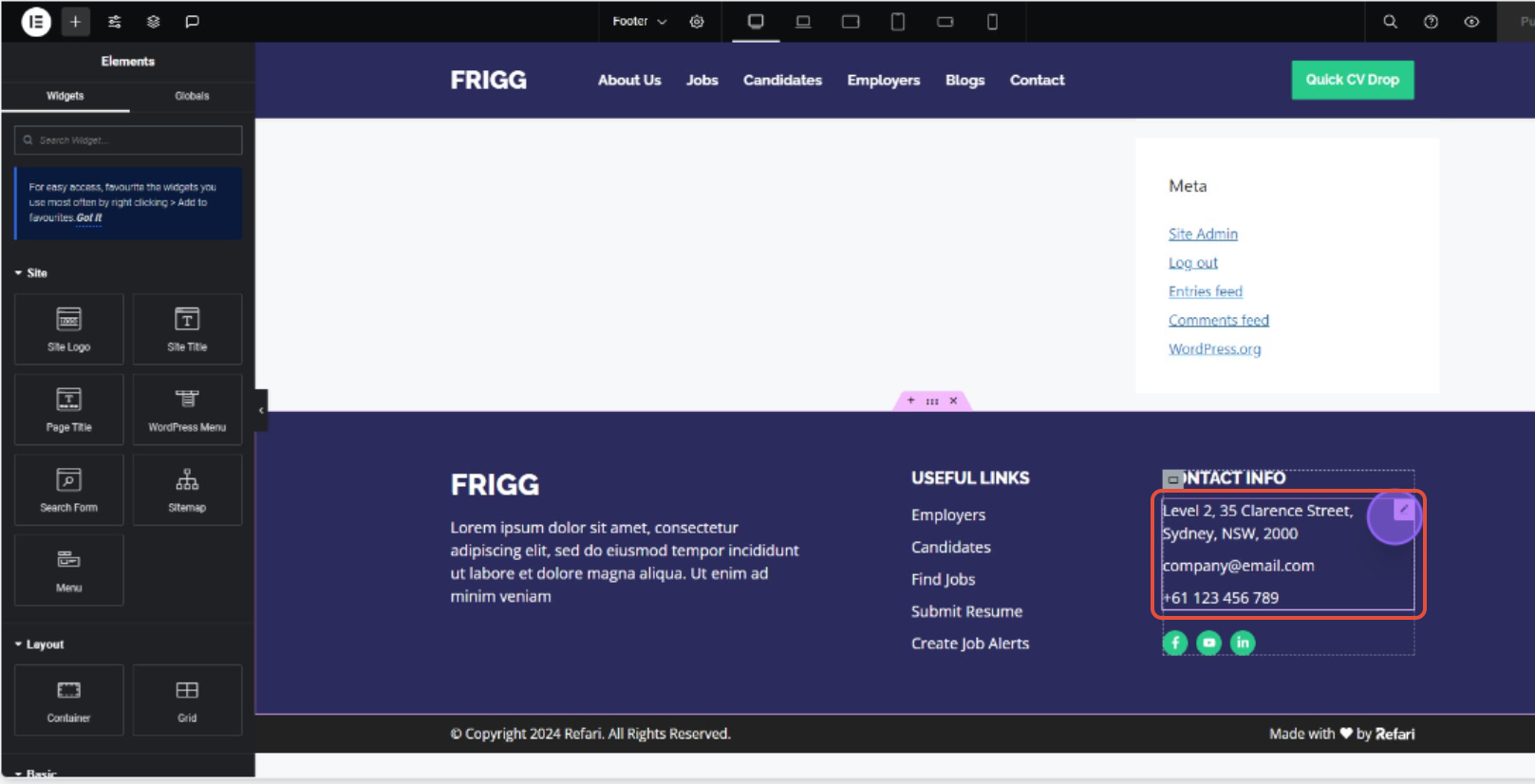
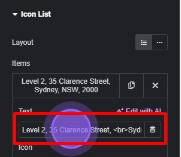
Step 3: Within the side panel of the icon list, click the Address item in the list.
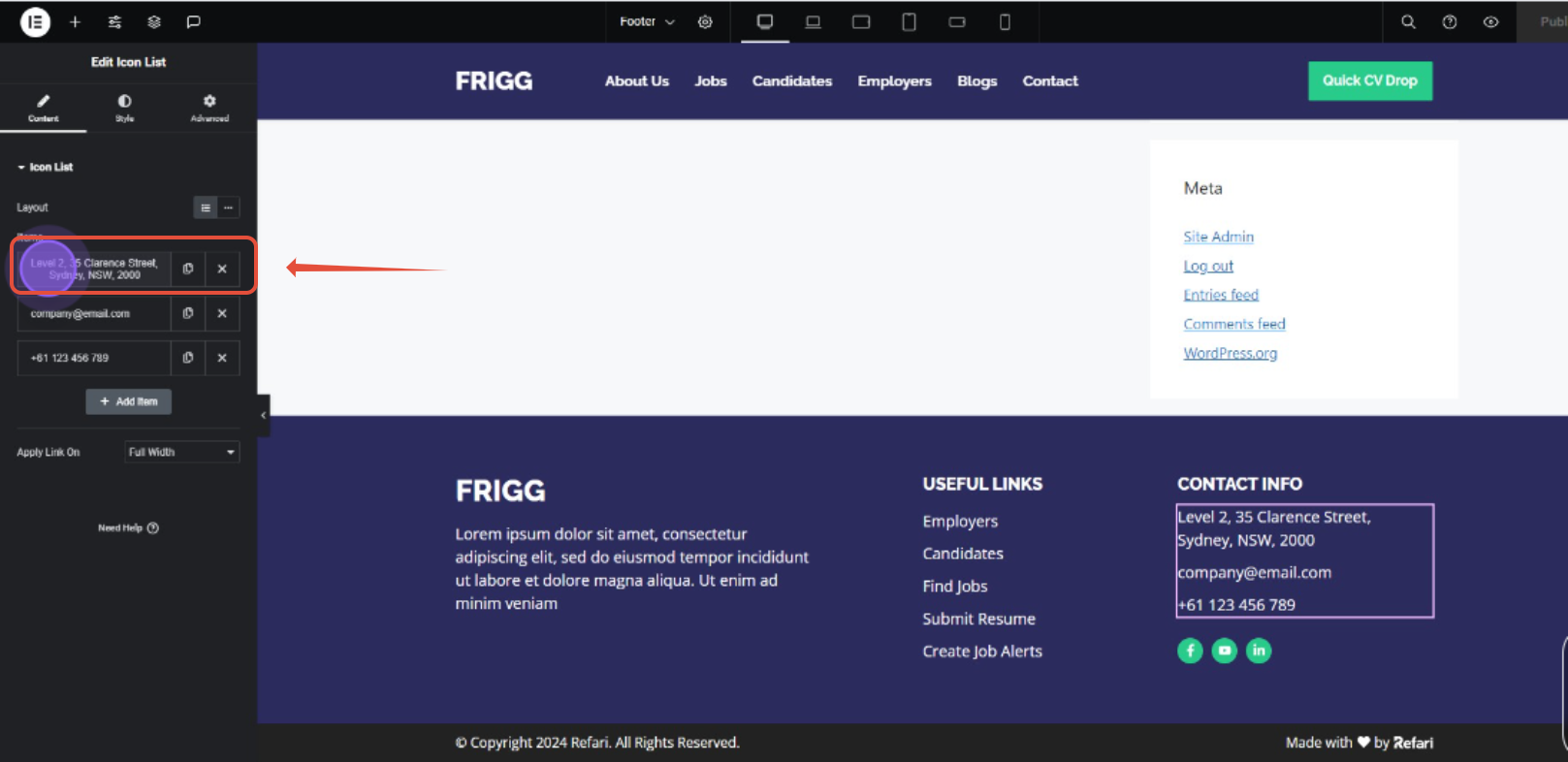
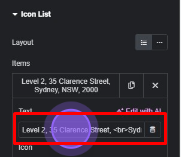
Step 4: Now enter the new address in the text field.
Step 5: Click "Publish" button to save changes and reload.

Step 6: Now repeat the process as stated above to edit a page where another address is stated. In this example we'll change the address on the contact page, hover on Wordpress Top bar and click "Edit with Elementor".

Step 7: Click the Icon List widget to edit the address.
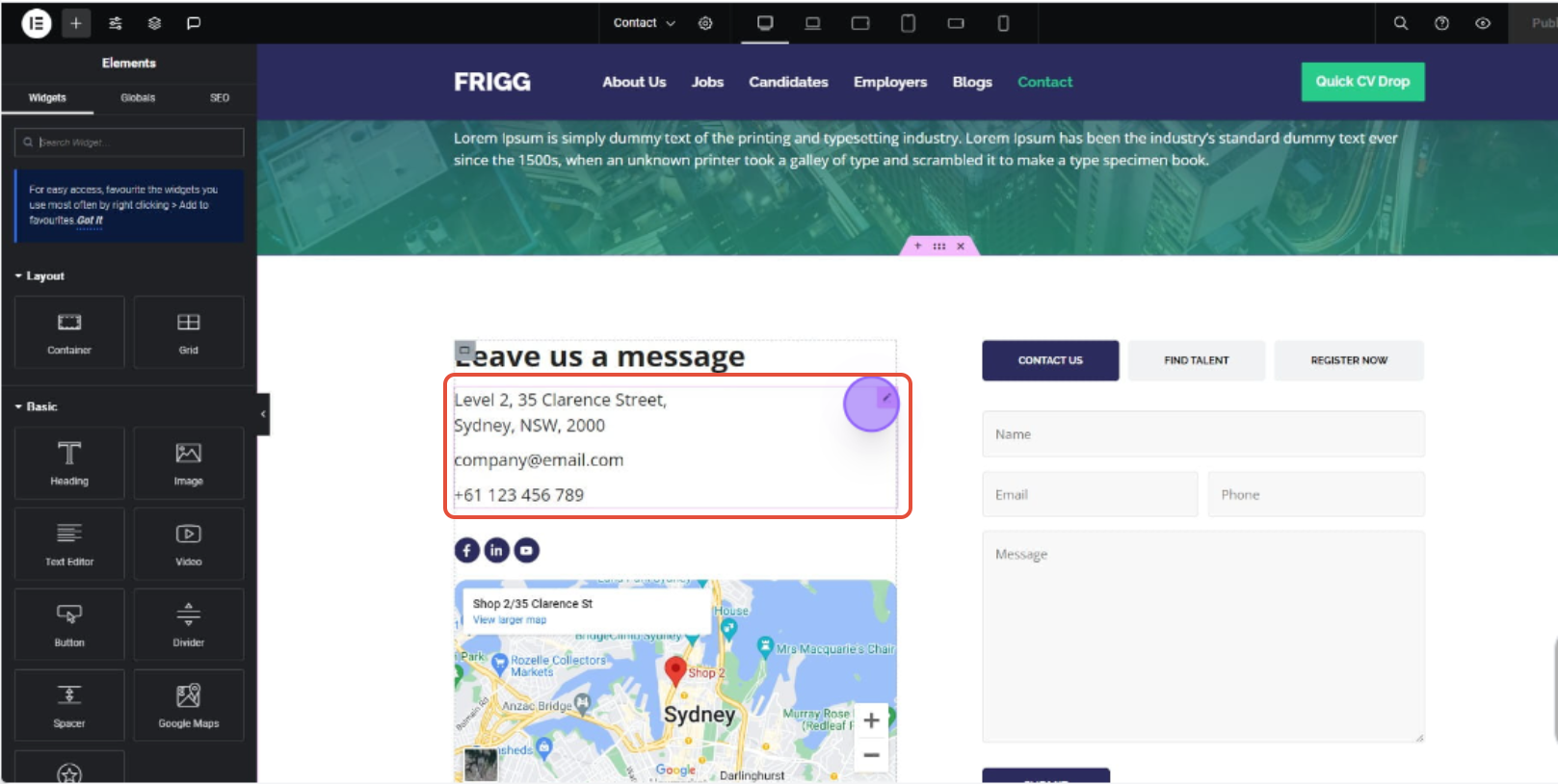
Step 8: Click on the **Address **in the item lists, and input the new address in the text field.
Step 9: Click "Publish" to save changes and reload the page.
