Refari
How to view your own job ads only in Refari
https://help.refari.work/knowledge-base/article/how-to-view-your-own-job-ads-only-in-refari
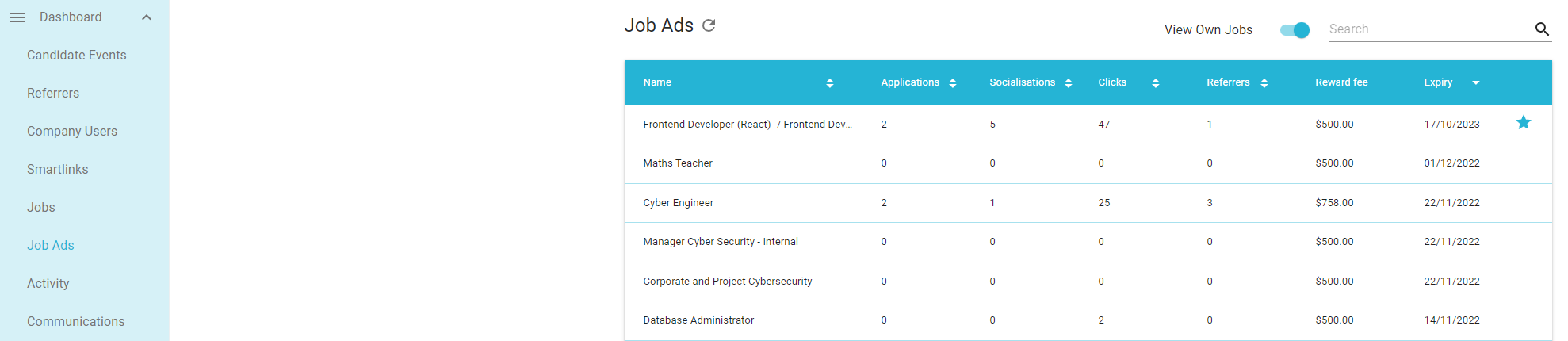
In the Refari Dashboard you can navigate to the Job Ads tab and this displays all the Job Ads that have been posted on your Job Board.
Note: If they are greyed out then these jobs have expired.
Sometimes however you may wish to only see the Job Ads that are assigned to you. This is very easy to do:
1. Navigate to Job Ads
2. Click on 'View Own Jobs' toggle
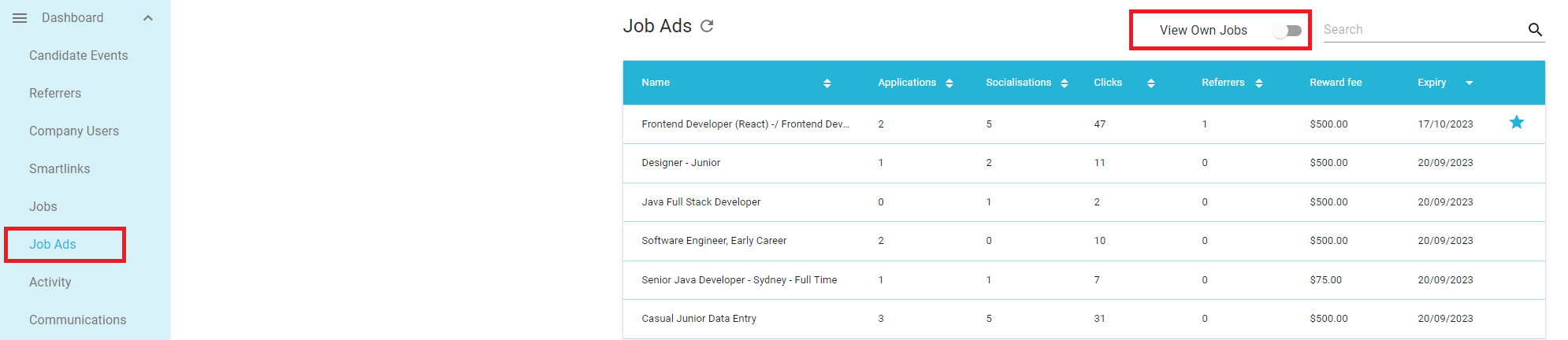
That's it. The job ads now visible are only those assigned to you!