Refari
Where to view the Cover Notes and Cover Letters added at the application stage
https://help.refari.work/knowledge-base/article/where-to-view-the-cover-notes-and-cover-letters-added-at-the-application-stage
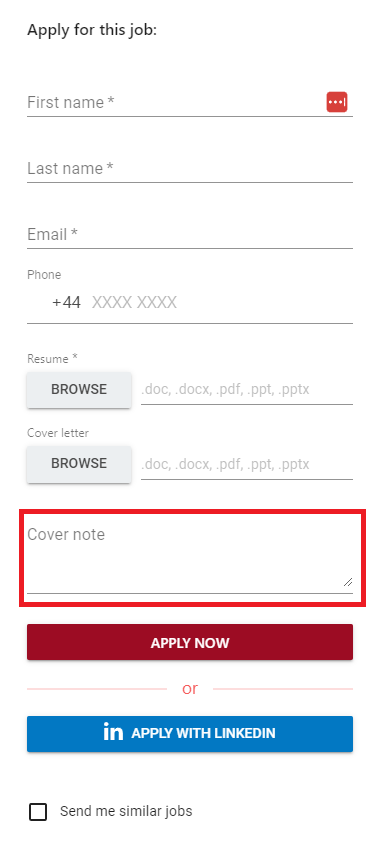
When a candidate applies for a job they can add a Resume, Cover Letter AND a Cover note.
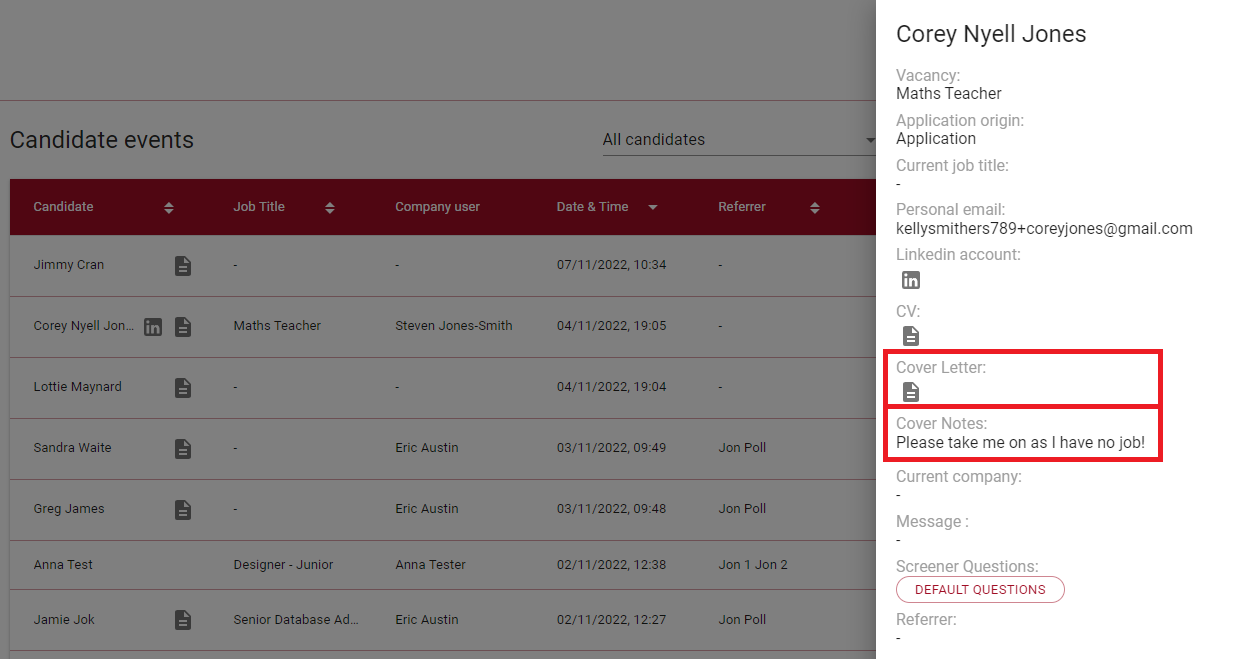
All 3 of these can be viewed in your Candidate Events Dashboard page.
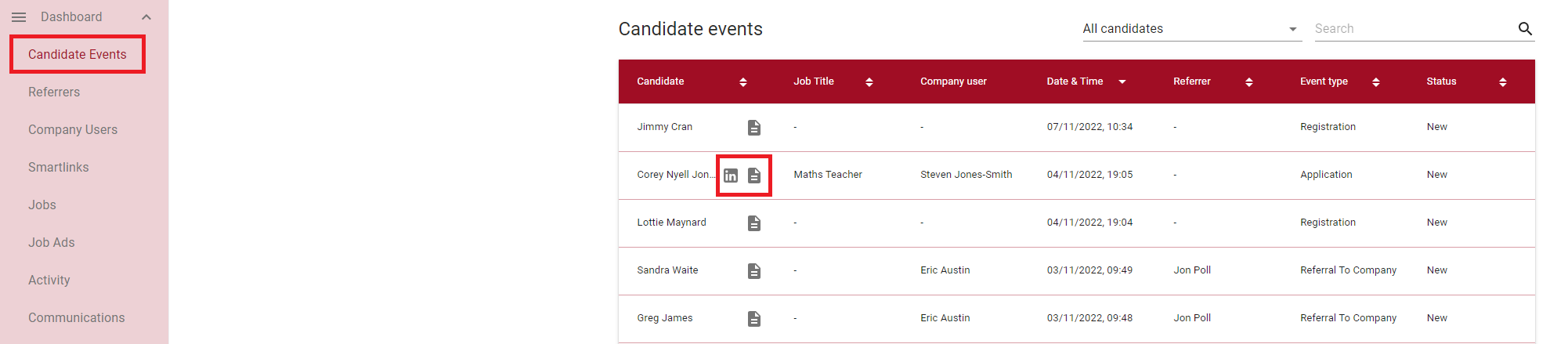
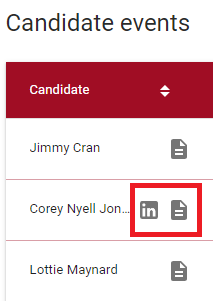
We can see here that Corey has both a LinkedIn Profile AND a Resume added to his application.
We can then click on this row to show a 'drawer' showing more details. This includes the Cover Letter and Cover Note.
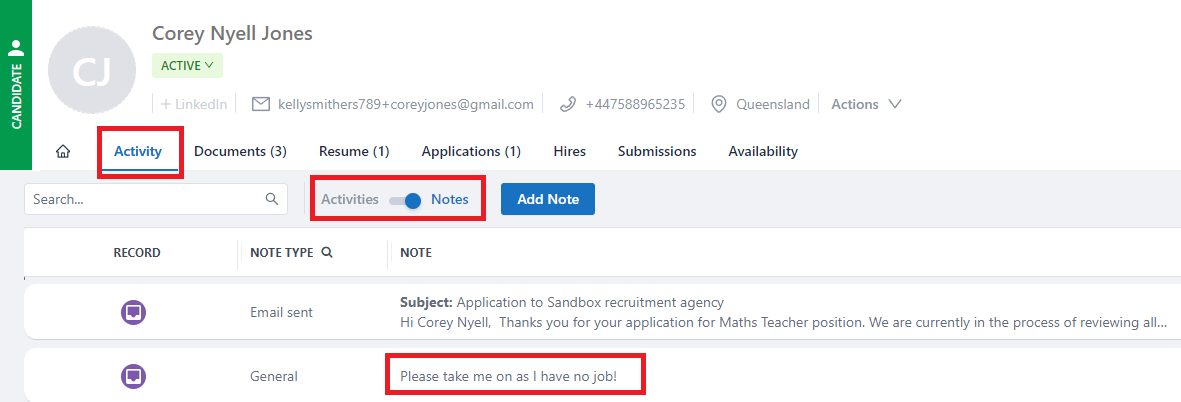
If you are using JobAdder as your ATS, it is also possible to see the Cover Note in the candidate record.
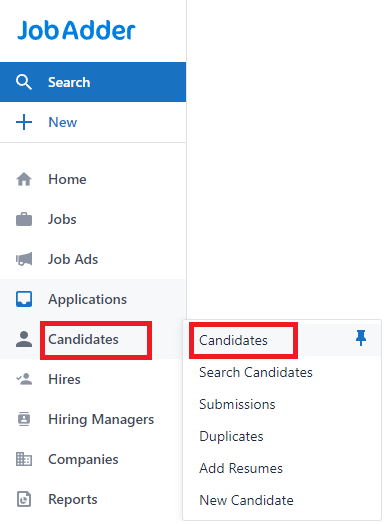
In JobAdder hover over Candidates and then click on Candidates from the list that appears.
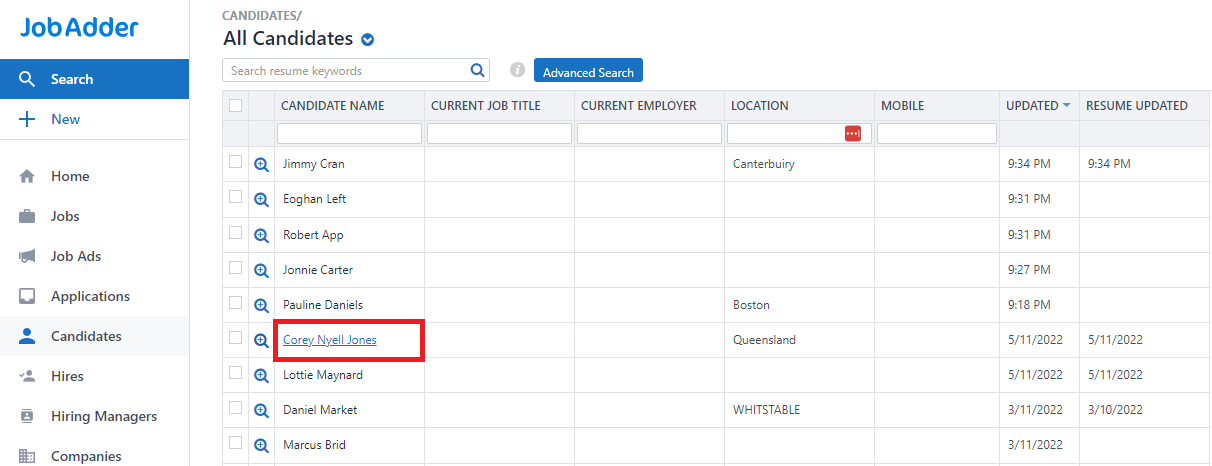
Click on the candidate name from the list you now see.
Click on Activity and make sure the toggle is to the right for 'Notes'. You can now see underneath a note type of General with the Cover Note visible to the right.