Refari
How to edit the order of your "Meet the team" page
https://help.refari.work/knowledge-base/article/how-to-edit-the-order-of-your-meet-the-team-page
This option is only available to admin & manager level users. Please note you need to be logged in to your account with Refari.co
Here is a video about the process
Here are step by step instructions on this process
Sign in to your Refari account from your job board using the Sign In on the right hand side.
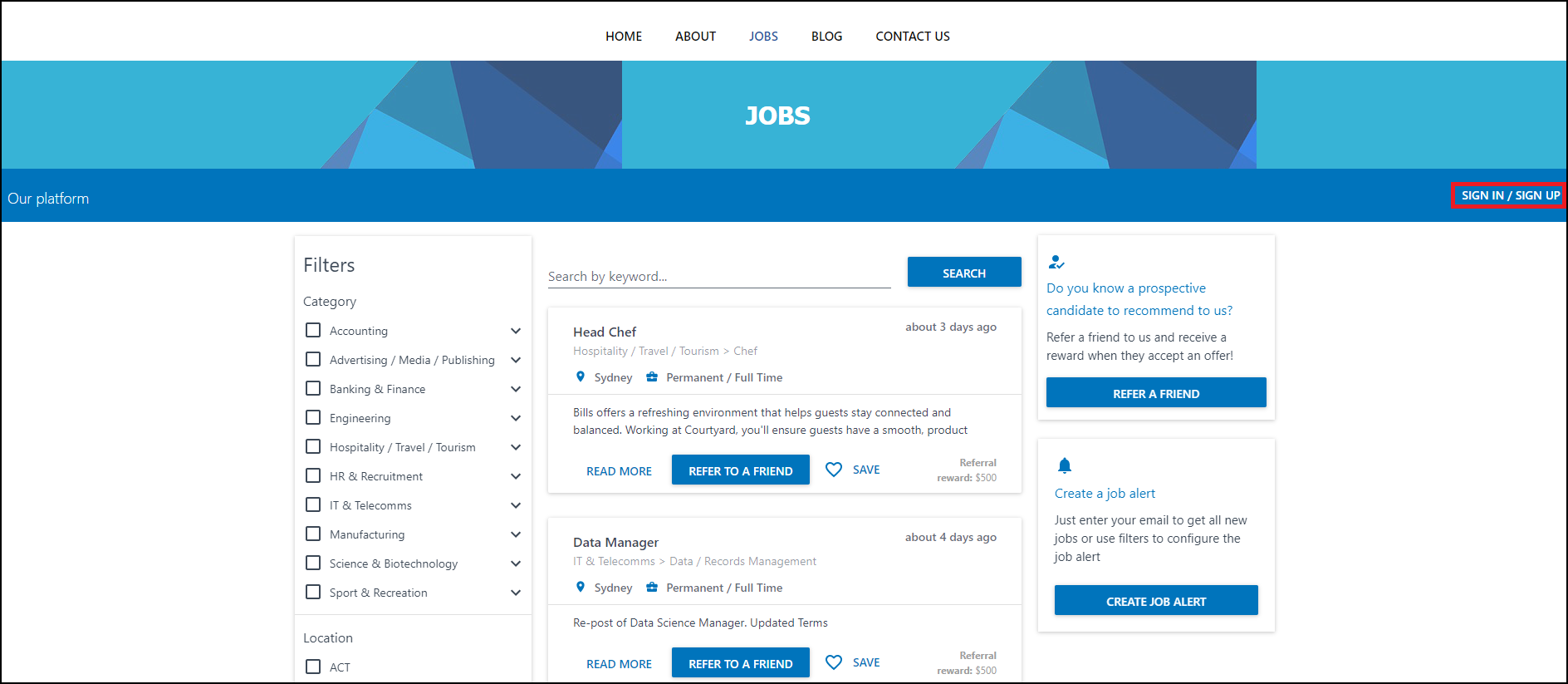
You can then navigate to your Meet The Team section on your website.

Clicking on 'Reorder The Team', will then allow you to drag the team to an order you prefer.
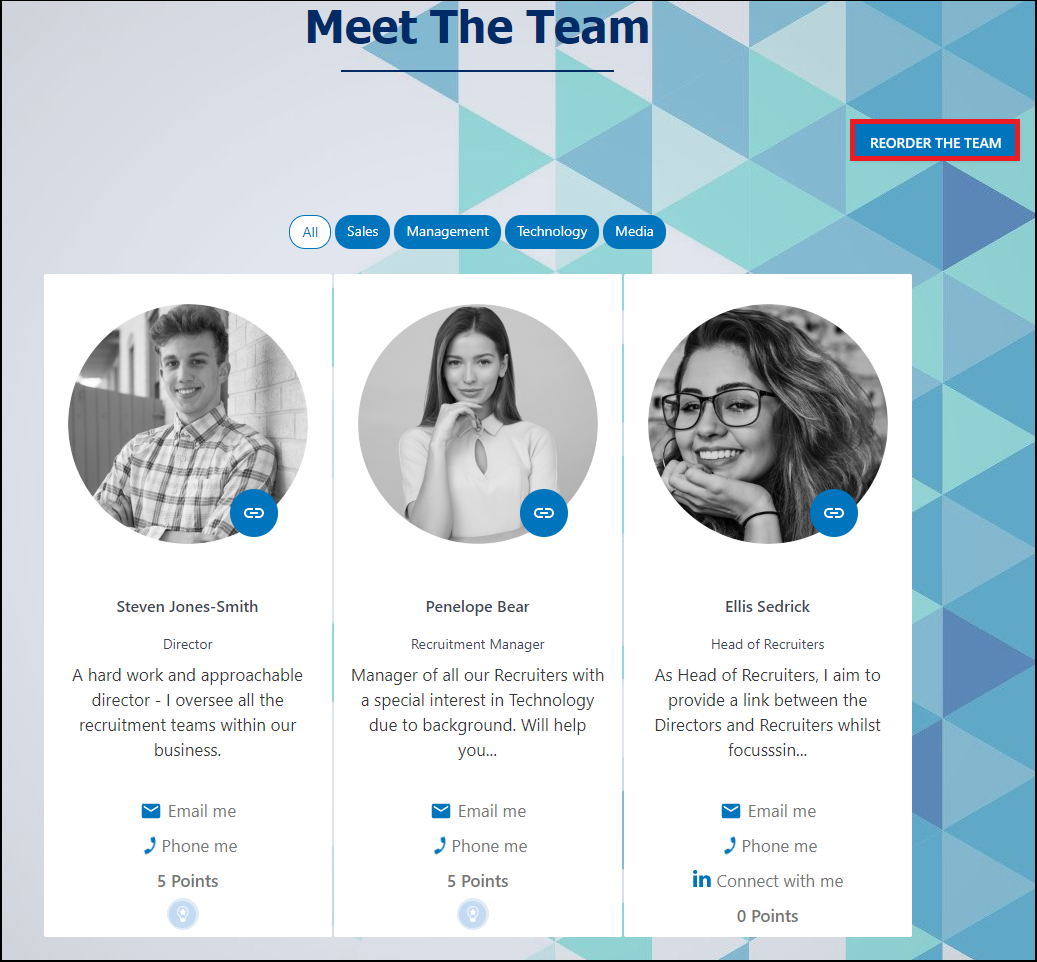
Once in the order you want, simply click 'Submit Order'

That's it, you have re-ordered the Meet The Team widget.