
Refari
Manage Job Distribution to XML Feeds
https://help.refari.work/knowledge-base/article/manage-job-distribution-to-xml-feeds
This article explains how to control which third-party job boards your adverts are distributed to, using Refari's Manage Job Distribution feature. An aggregator is a job board such as Indeed, LinkedIn or Jora that collects your jobs from a feed and lists them on its own site. Refari automatically publishes your live jobs into an XML feed (a machine-readable list of your roles) for each of these platforms, and this feature lets you decide, job by job, which feeds a role should appear in.
Why you might use this
By default, a job you post to your Refari job board is included in the feeds for the major aggregators. Manage Job Distribution is useful when you want a role on your own job board but not on certain external platforms, for example a confidential search you would rather not broadcast across every job board.
How to manage distribution for a job
- Go to the Job Ads tab in your Refari dashboard.
- Click on the specific job advert you want to manage.
- Find and click the Manage Job Distribution button to open the distribution settings.
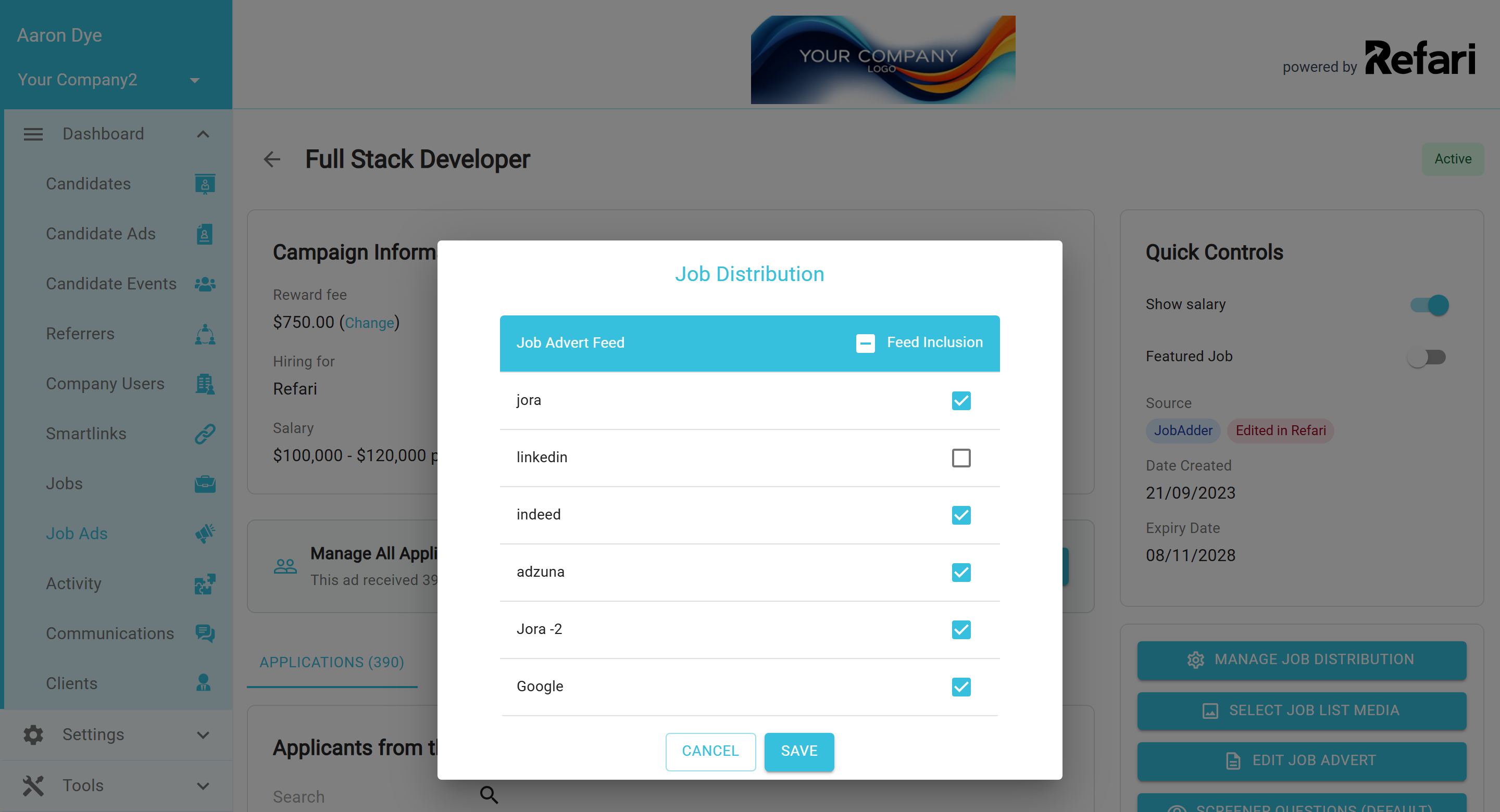
Customising which feeds a job appears in
- You will see a list of the bulk feeds for the various third-party platforms.
- For each feed, choose whether you want the job included or excluded by checking or unchecking the box next to it.
- Click Save to apply your changes.
Final Notes
Manage Job Distribution gives you granular control over where each role appears, so you can tailor your reach to the right platforms and audiences. If you are not yet set up on a particular aggregator, such as Indeed, the article below walks you through getting your feed aggregated in the first place.